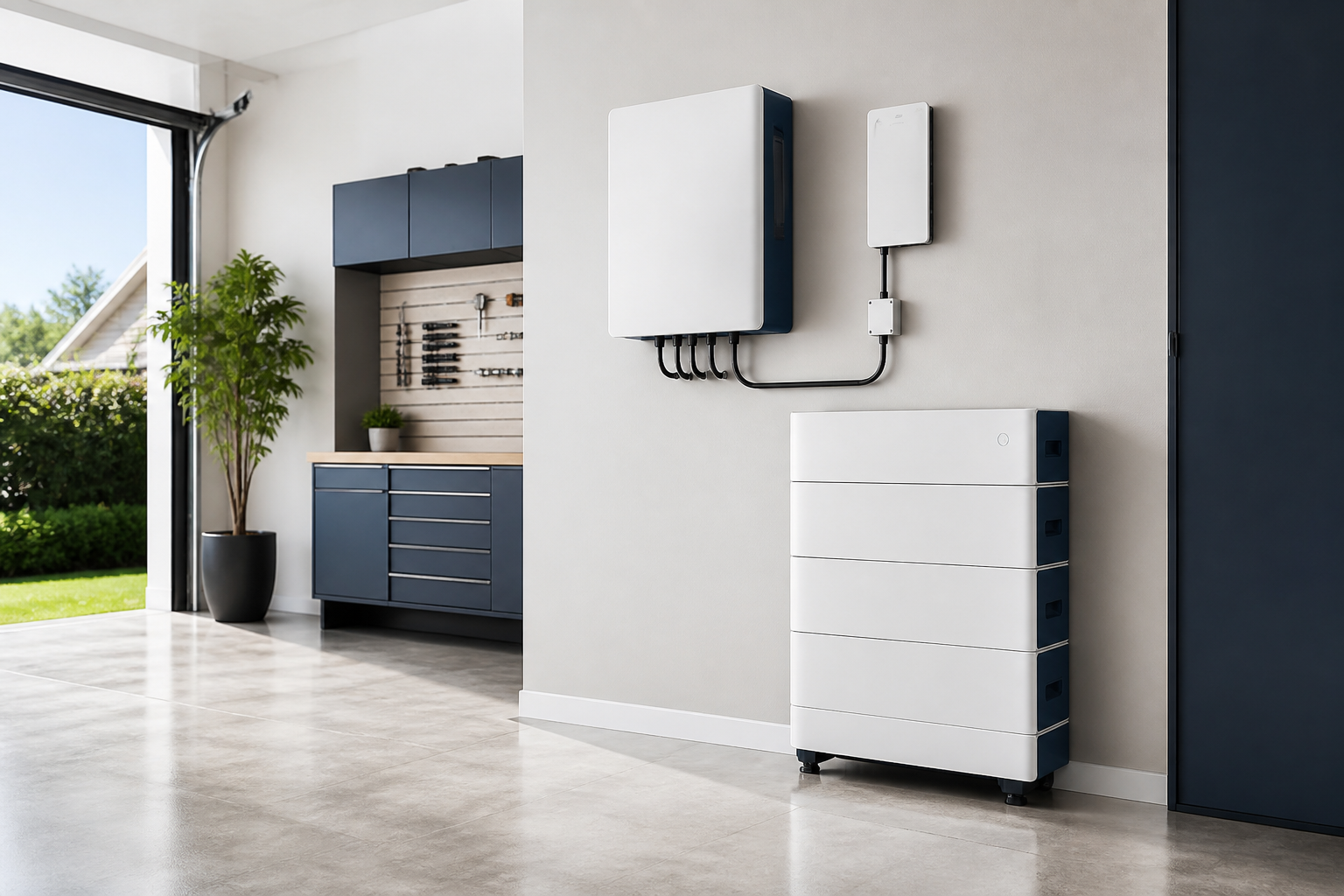
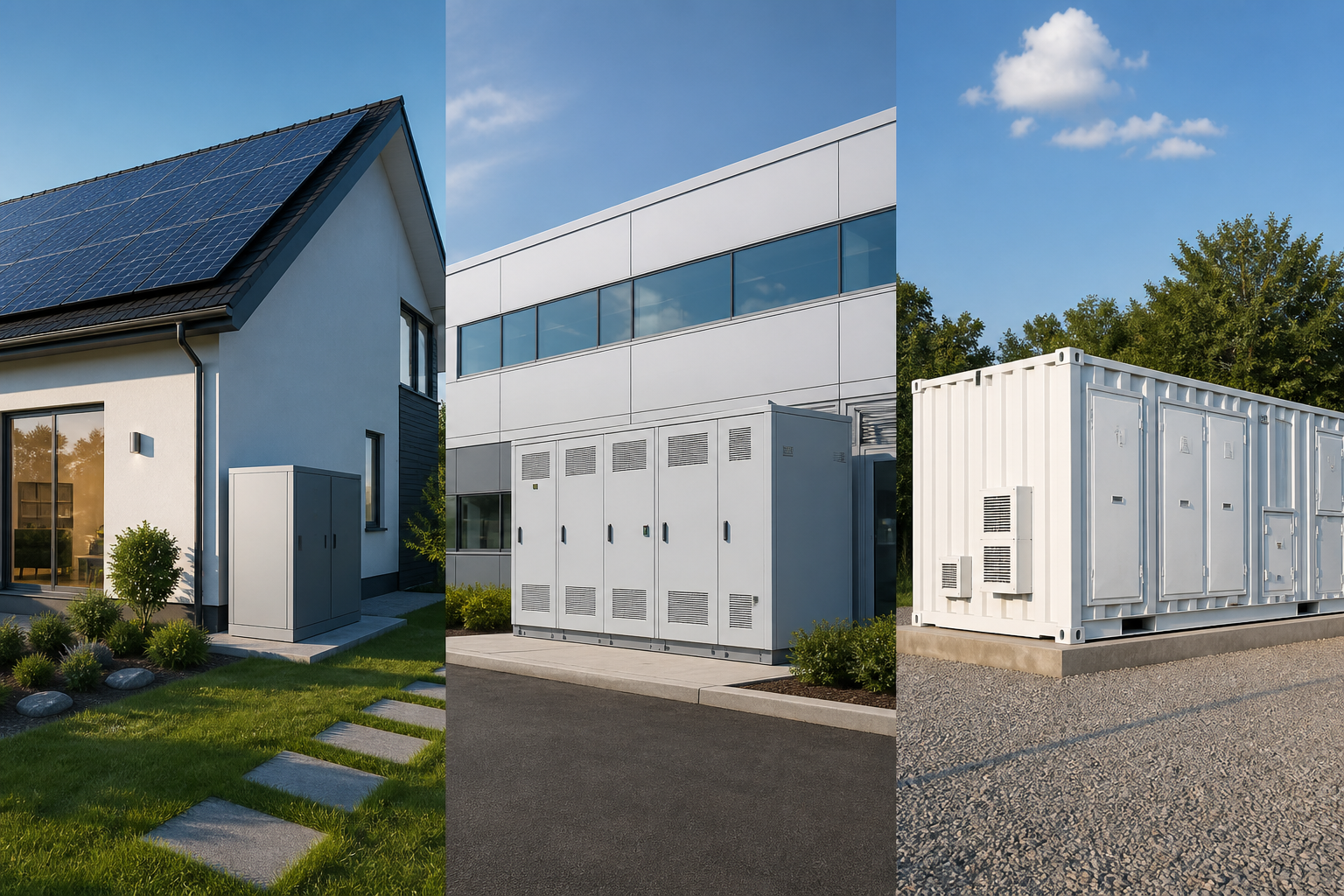
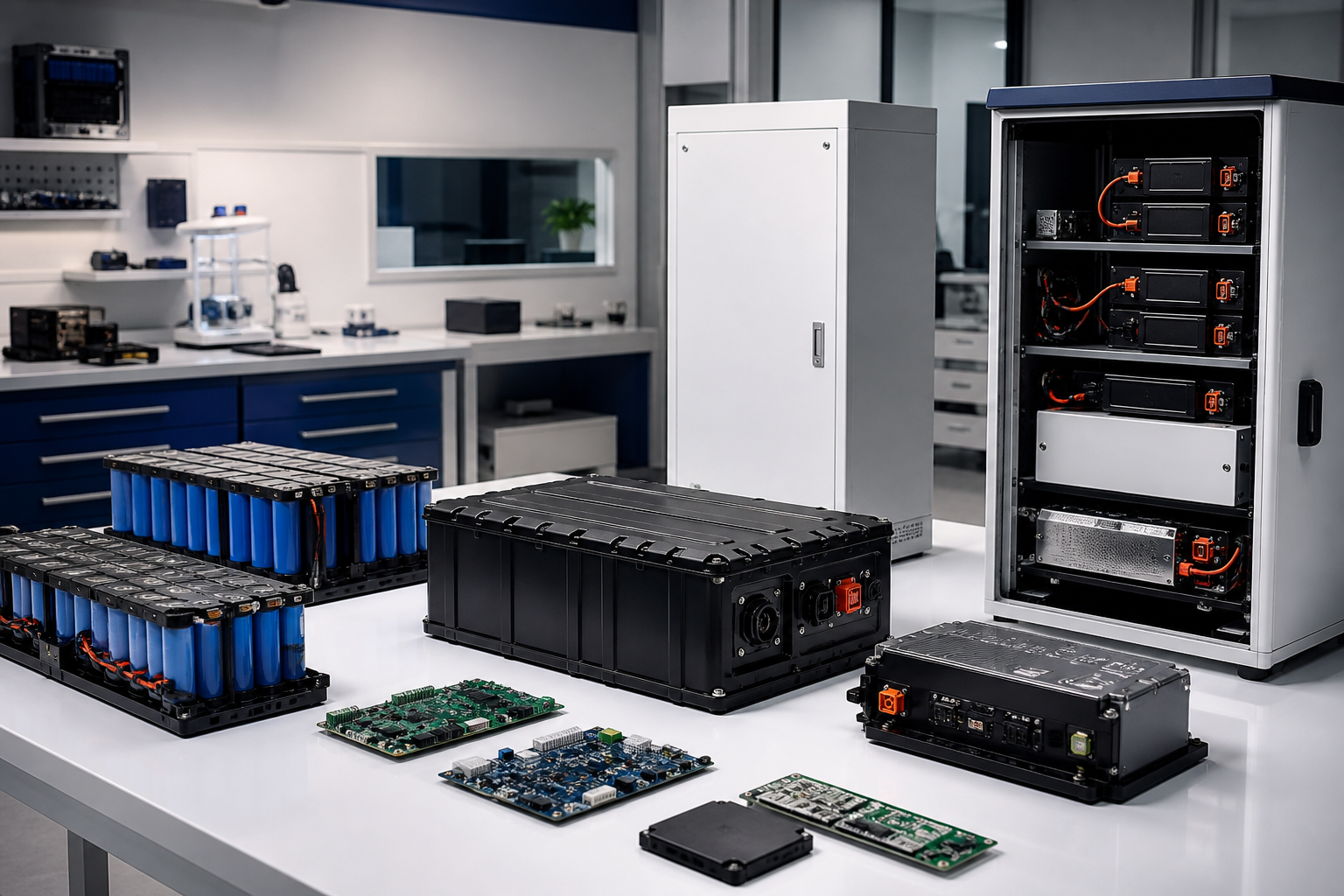

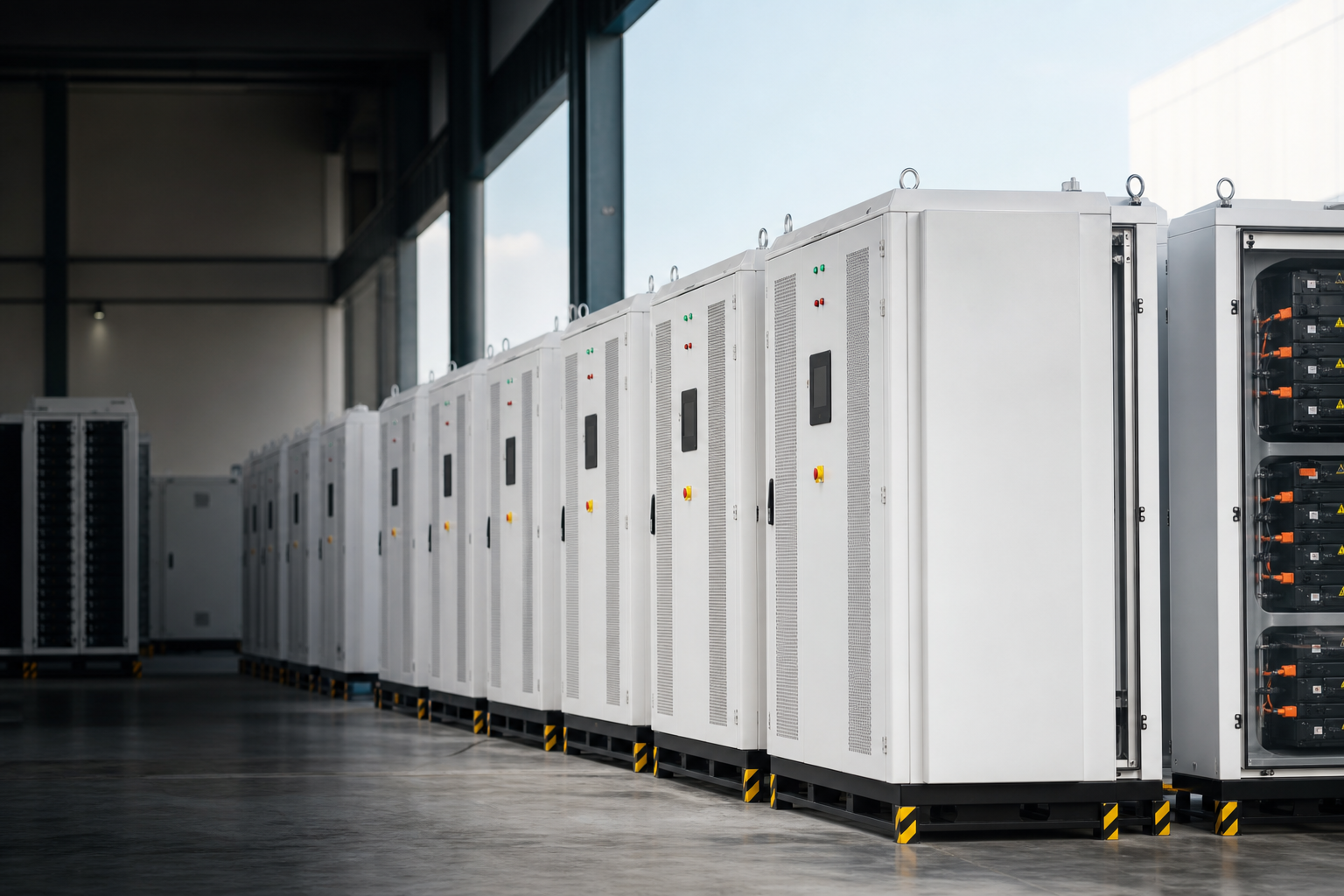
Integrated lithium battery energy storage solutions

Logo & Branding|Identity & brand customization

Bring brand into the equipment system without breaking safety and compliance hierarchy

A safety-first branding method across enclosure, HMI, nameplates, labels and documents — controlled customization inside verifiable boundaries.

Program snapshot Demo data
  • Program ID TC-BRAND-26-006
  • Source brand NOVA GRID (demo)
  • Visual baseline VB-2.1
  • Languages EN / ZH / ES
  • Label count 42
  • Nameplate Signed
  • Review stage Prototype visual
  • Review rounds 3
  • Requirement governance

    Brand asset intake & governance

    Single master data; controlled touchpoint rollout.

  • Controlled engineering process

    Equipment visual zoning

    Scientific placement; brand vs function zones separated.

  • Assured verification

    Safety & nameplate display control

    Compliance first; warnings and trace never overwritten.

  • Scale delivery

    Cross-media consistency & release

    Look, UI and docs release from one source; changes traceable.

Brand touchpoint map (BRAND TOUCHPOINT MAP)

All touchpoints share the same master data
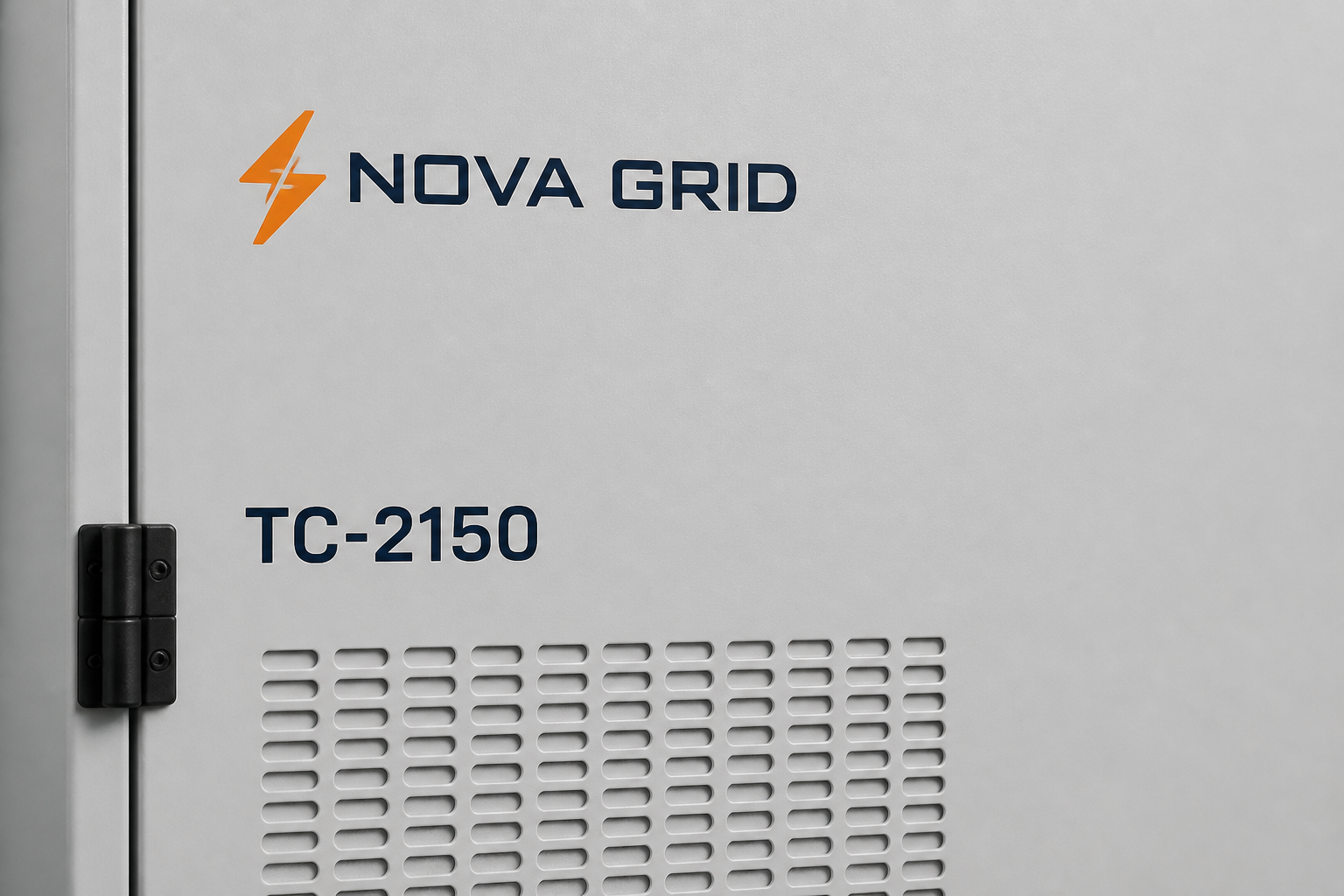
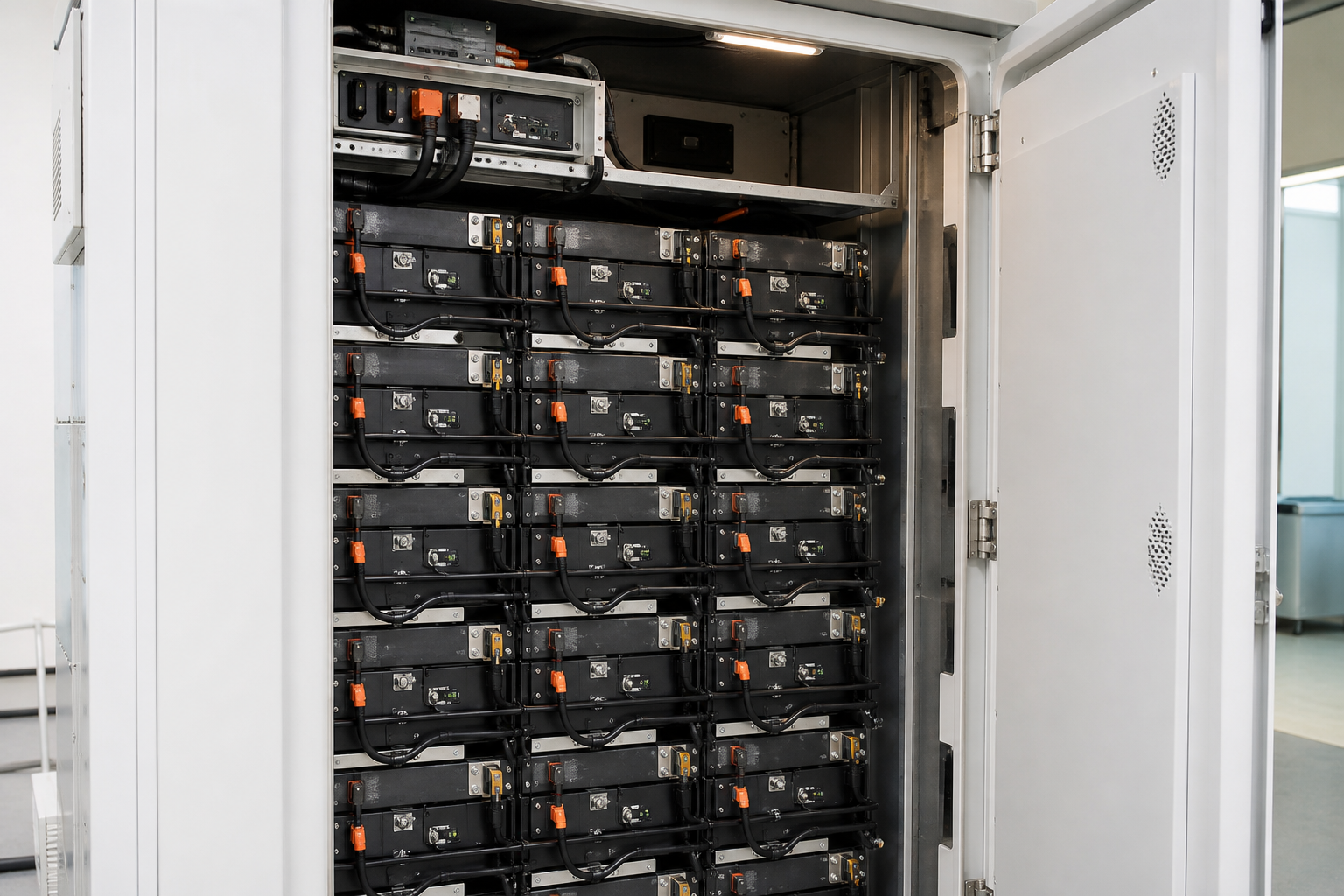
Equipment (cabinet)

  • Front / side / rear external visible ID
  • Internal components / module ID
Cabinet door with NOVA GRID logo zone (demo)Cabinet interior modules (demo)
  • Master data ID: CAB-001

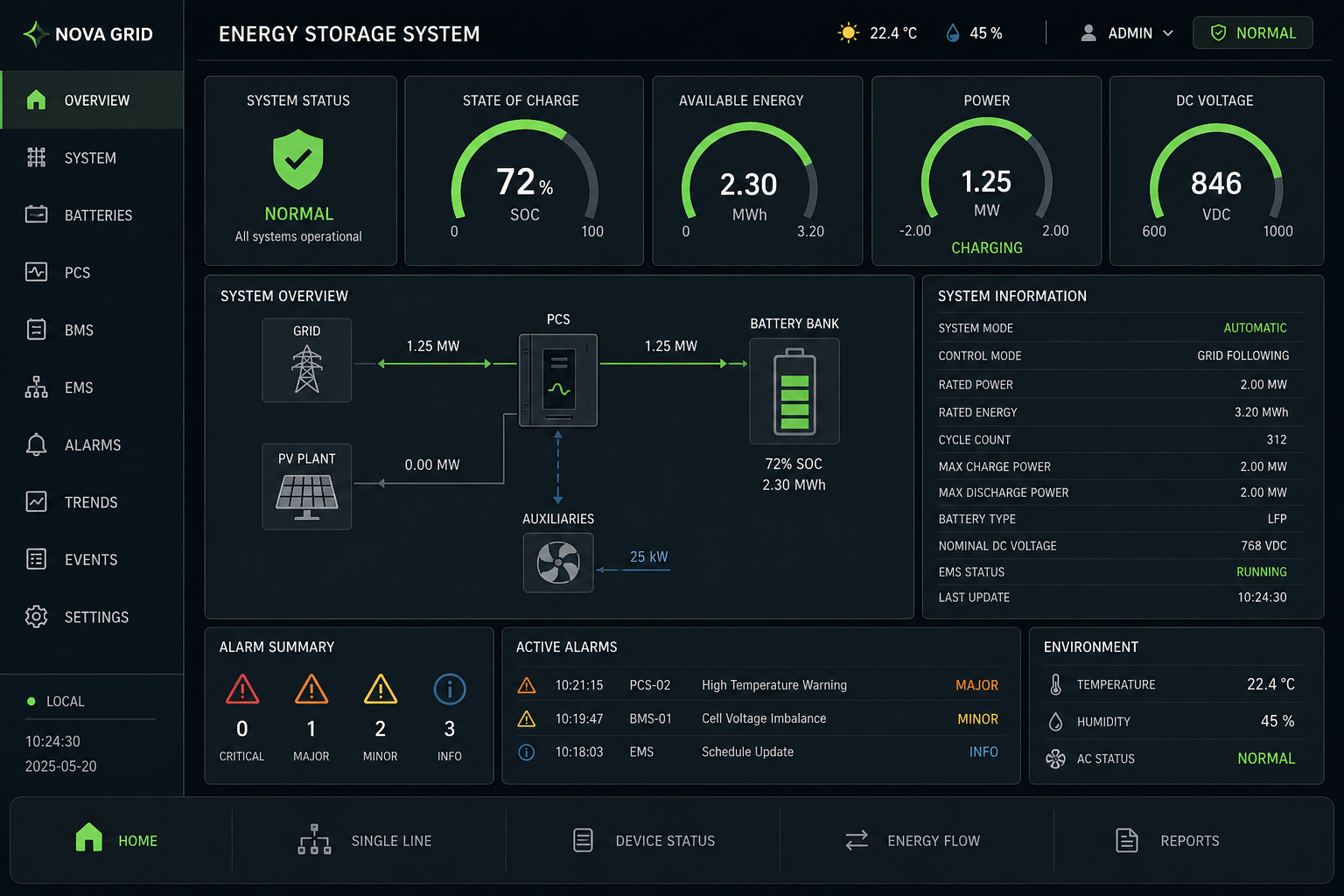
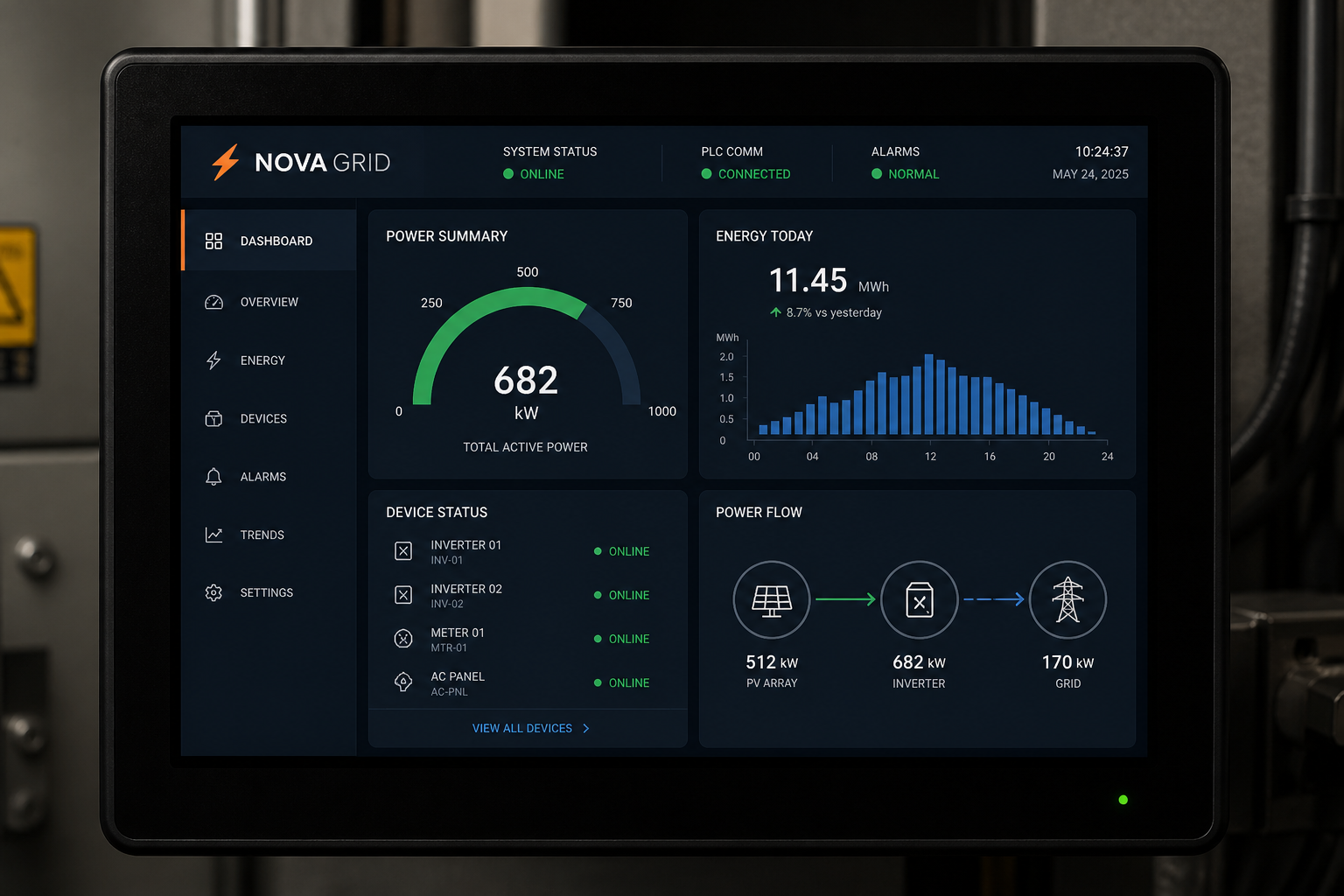
HMI interface

  • Master / status / overview
  • Service / settings UI
HMI header with NOVA GRID mark (demo)HMI status overview screen (demo)
  • Master data ID: HMI-001

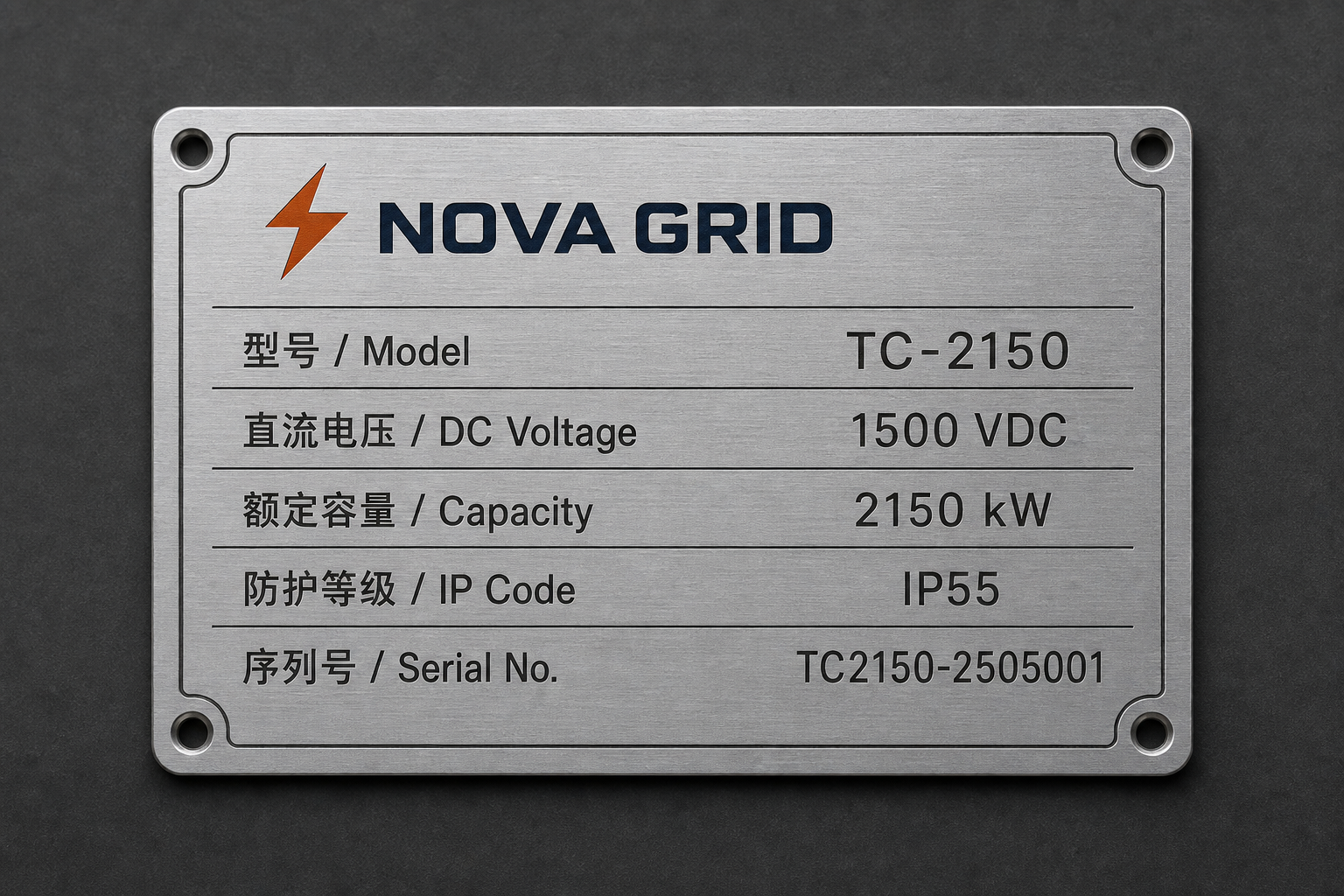
Nameplates & labels

  • Rating plate & traceability
  • Safety / warning / service labels
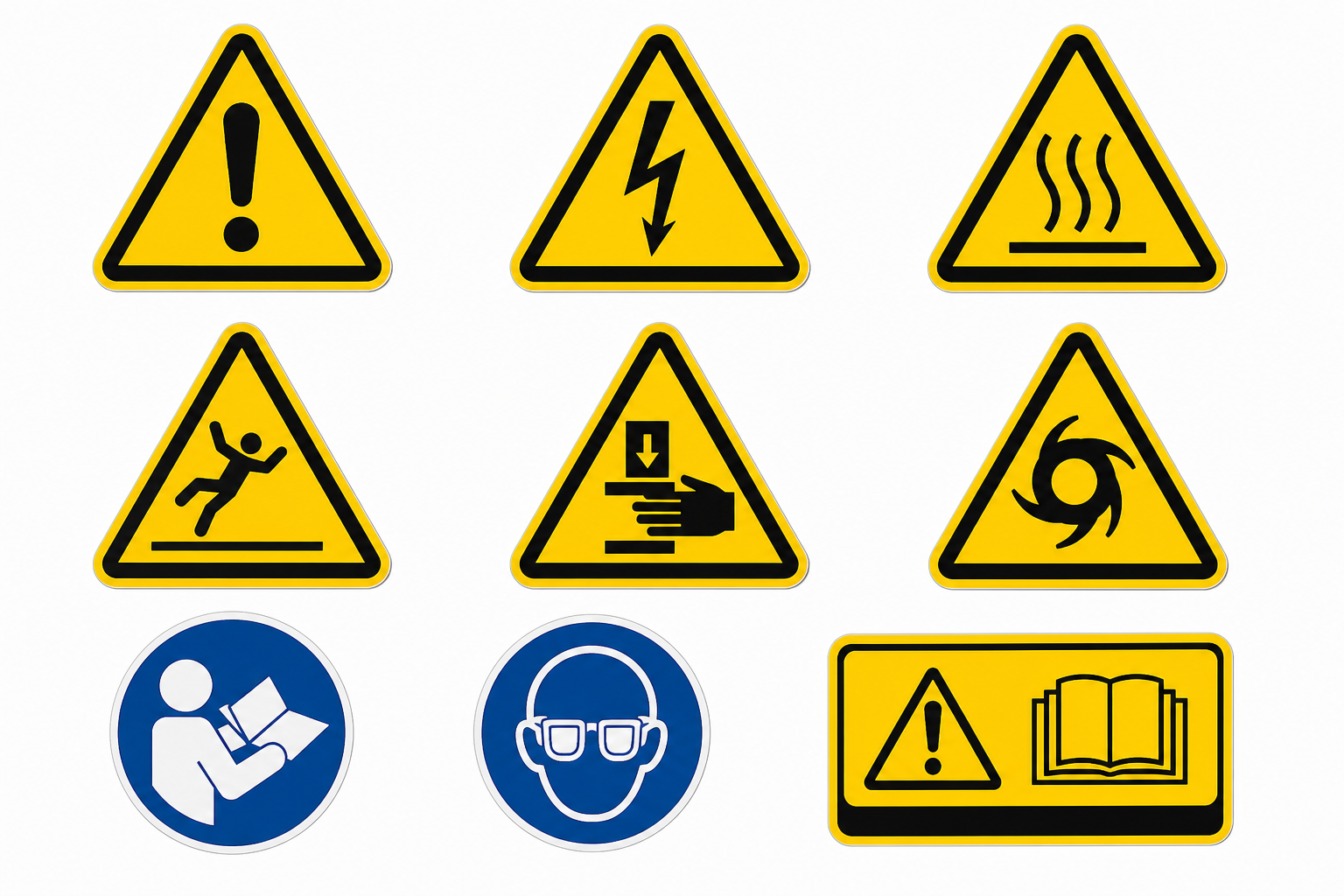
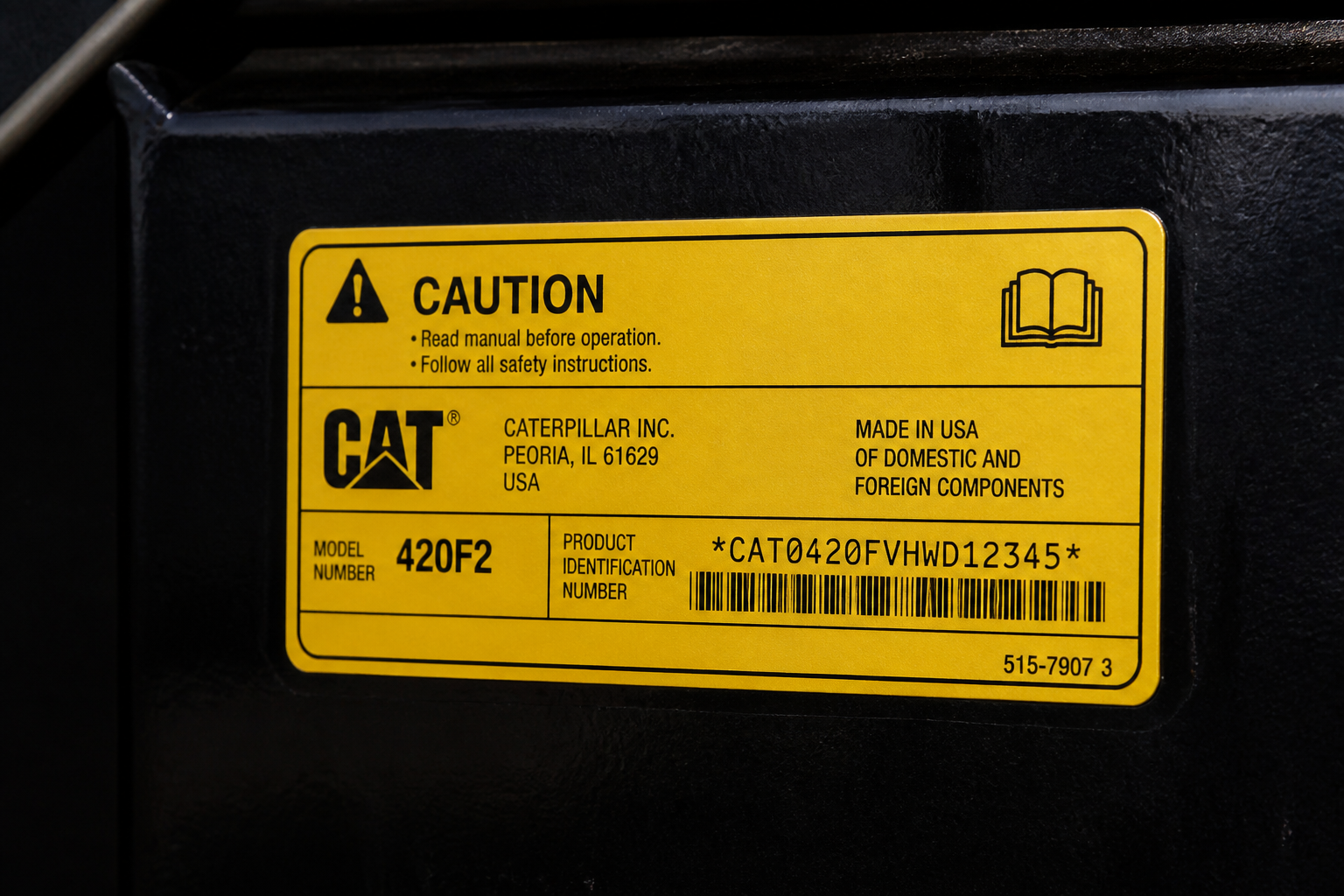
Nameplate with NOVA GRID mark (demo)Safety warning label family (demo)
  • Master data ID: PLATE-001
  • Master data ID: LABEL-001

Packaging & transport

  • Crate / shipping ID
  • Stacking / lifting instructions
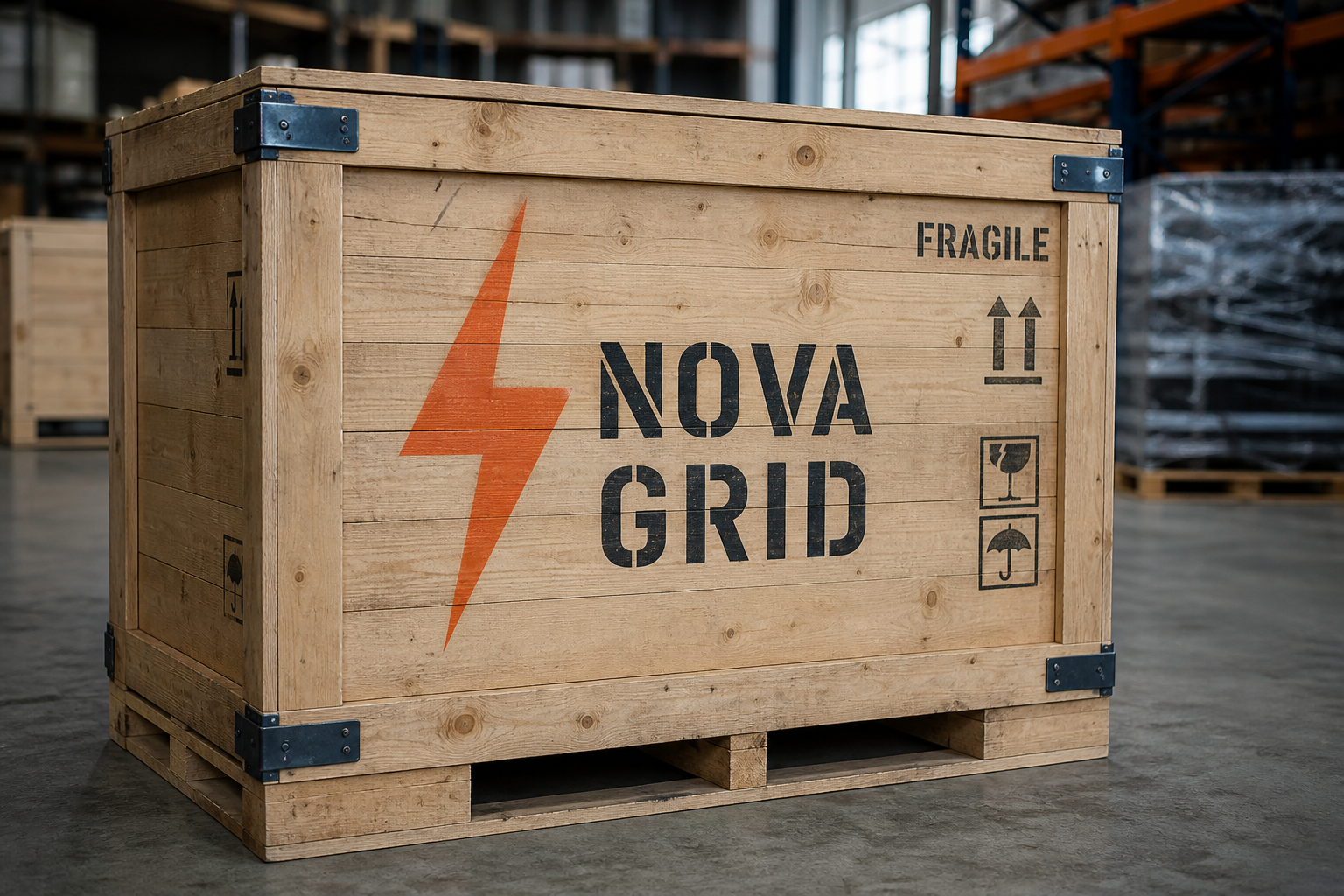
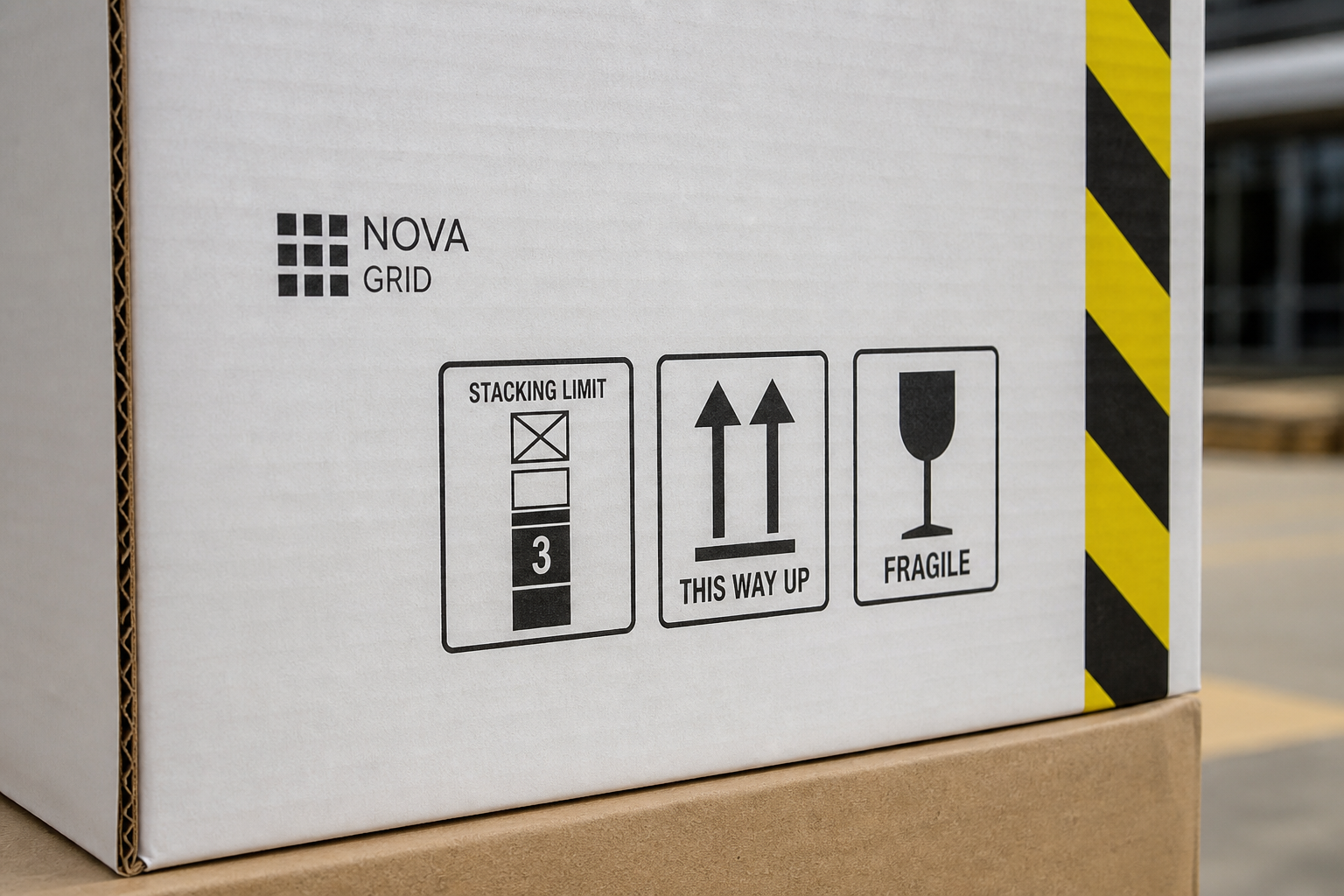
Shipping crate with NOVA GRID stencil (demo)Crate stacking / lifting / handling marks (demo)
  • Master data ID: PKG-001

Docs & systems

  • Manuals / drawings / reports
  • Service portal
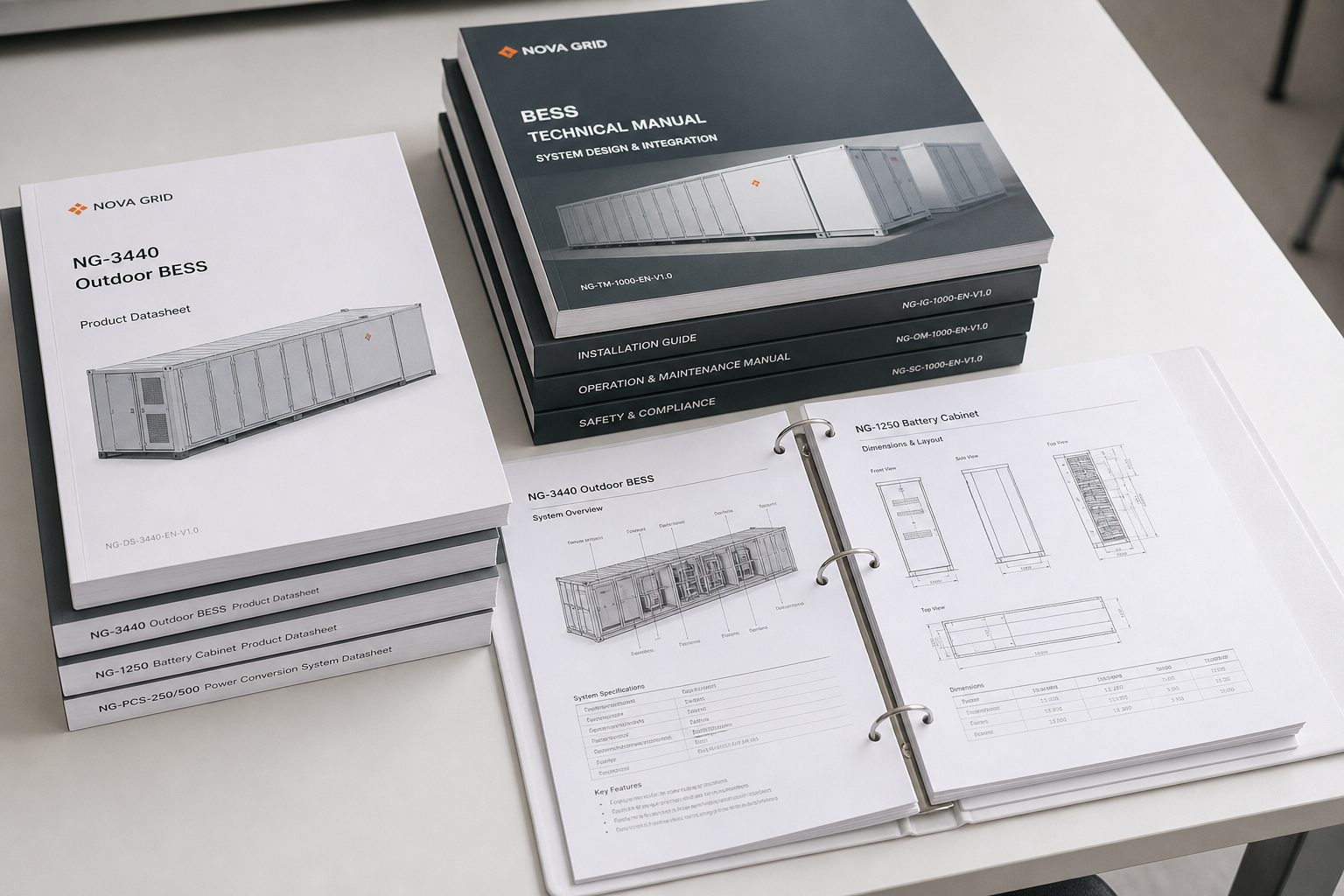
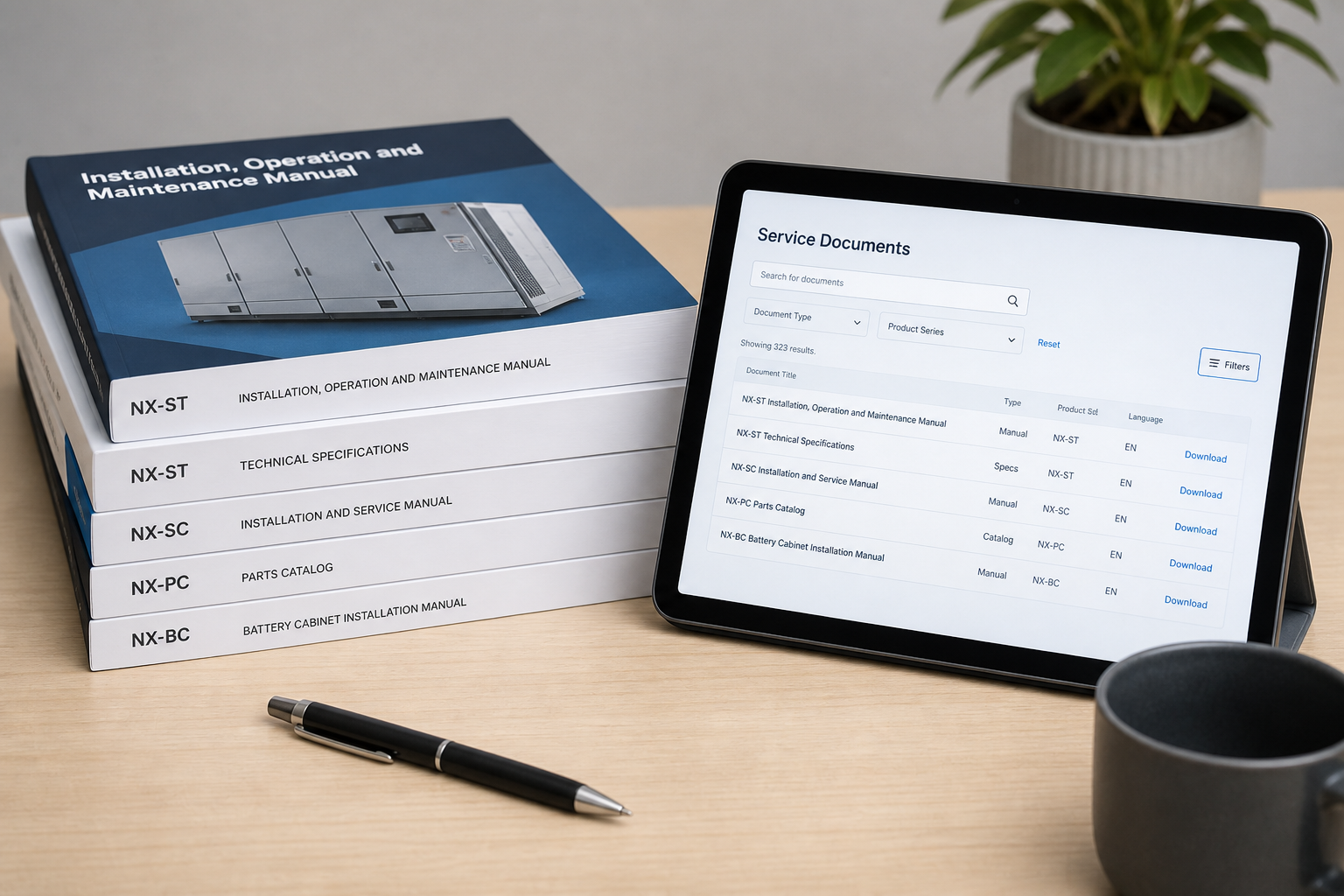
Technical manuals and datasheets (demo)Manuals and service portal (demo)
  • Master data ID: DOC-001

Graphic System

Cabinet graphic system

Views · mark rules · naming · accents · multi-cabinet consistency Demo data
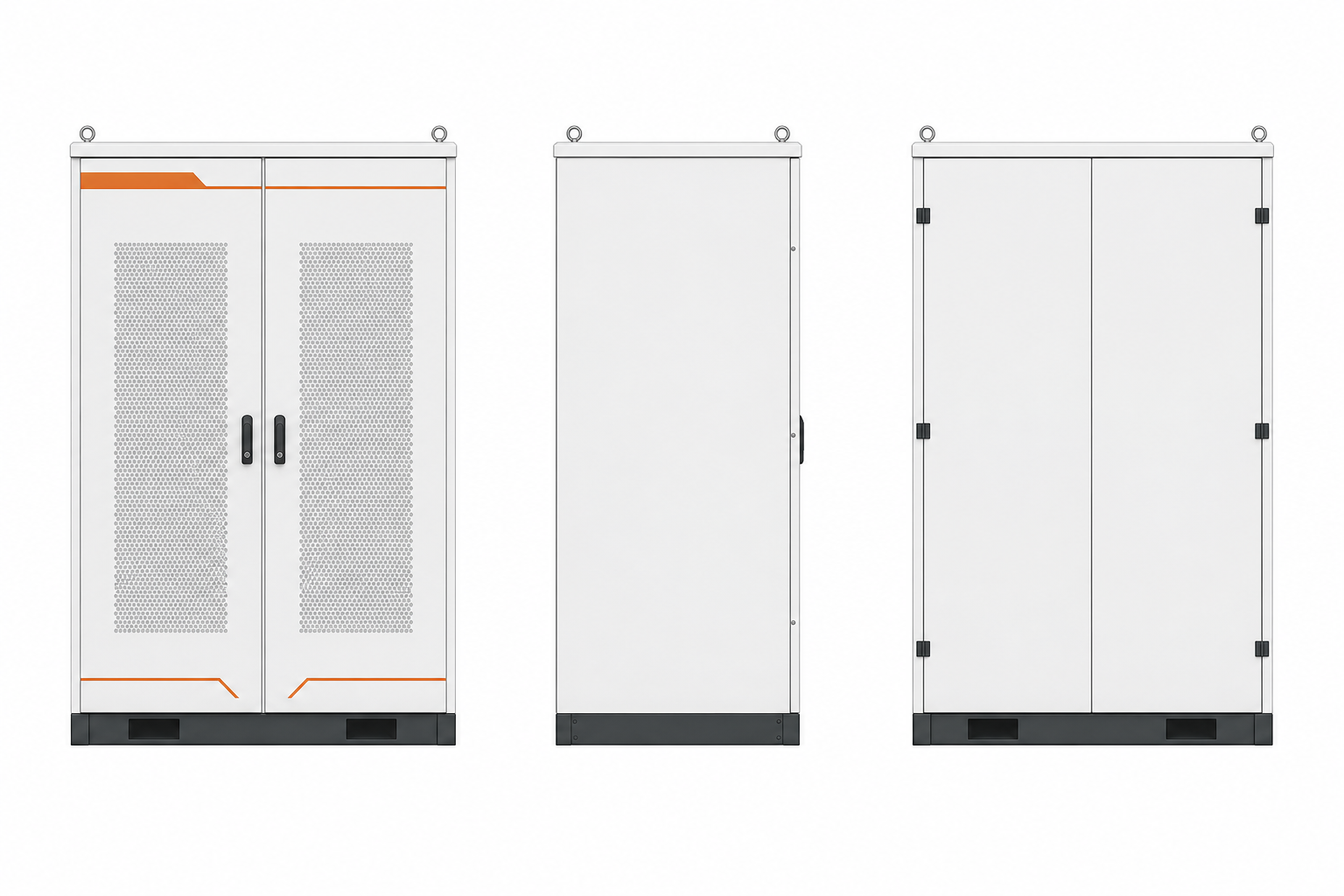
Views & layout

Front (primary)Side (left)Rear
Cabinet front / side / rear orthographic views (demo)

Brand mark rules

  • Min. height: ≥ 45 mm (demo)
  • Clear space: ≥ 2× mark height
  • Edge distance: ≥ 25 mm
  • Forbidden: never enter safety / nameplate layers
  • Contrast: dark-on-light or light-on-dark

Naming & family

TC-2150

BESS Cabinet

2150kWh / 1P / 1500V / IP54
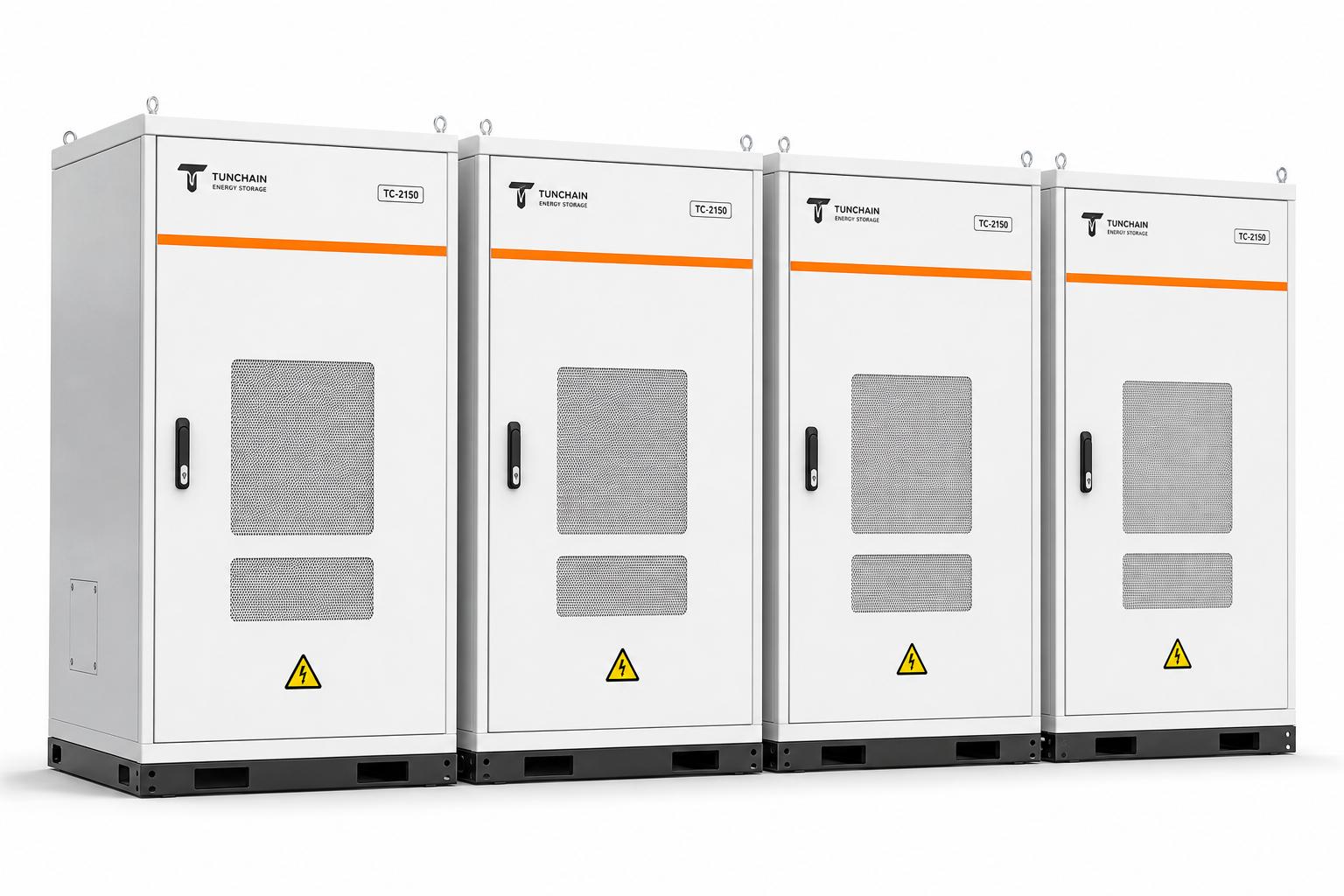
  • Naming: TC-series + energy capacity
  • Type hierarchy: family > model > specs
  • Same-family marks share one baseline

Accent & color scheme

  • Orange accent (brand) PMS 1655C demo
  • Standard gray (default) N5 demo
  • Deep navy (night option) PMS 295C demo

Multi-cabinet consistency

Multi-cabinet brand consistency perspective (demo)

Logo height, accent strip and model marks share one baseline

Nameplate & Labels

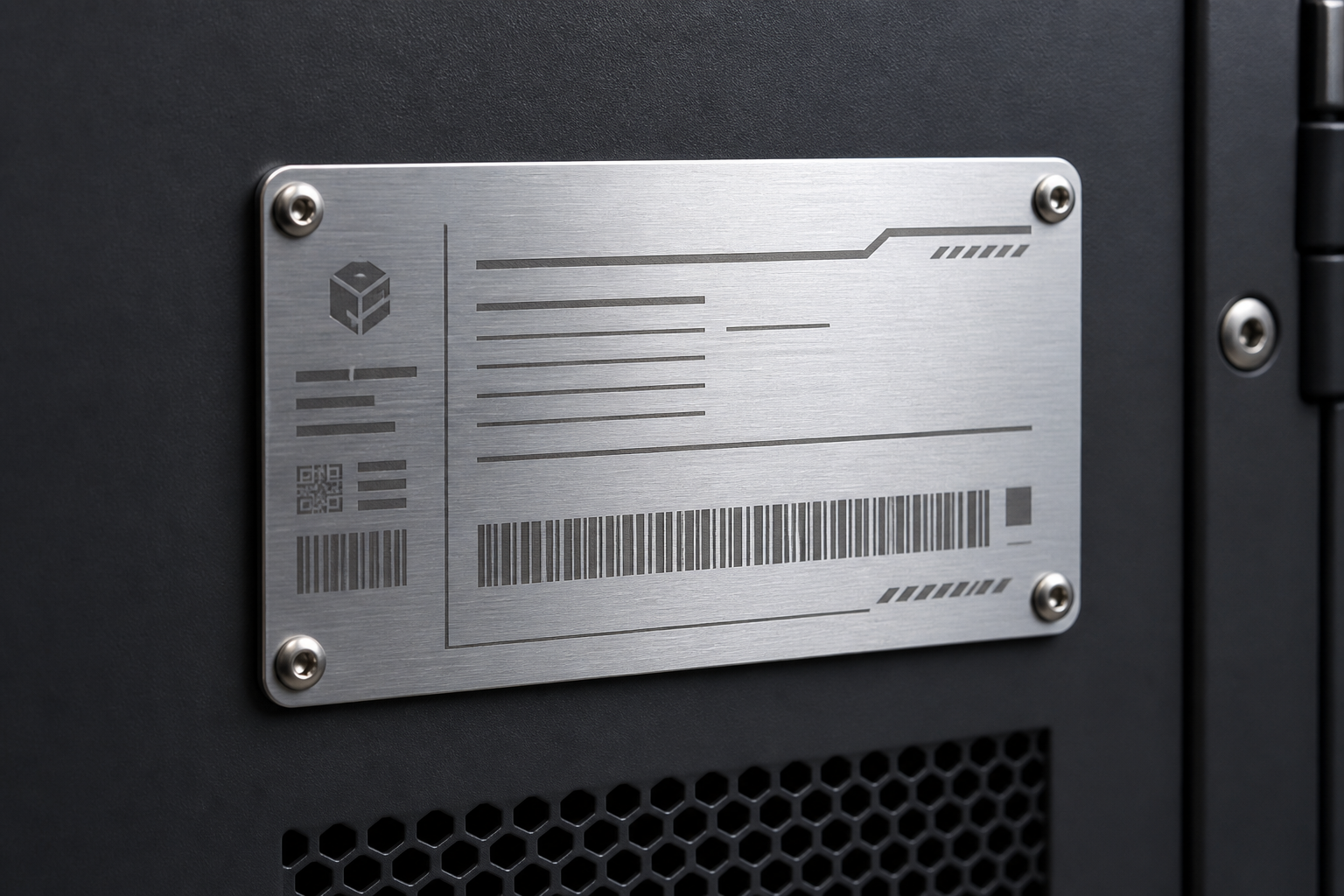
Nameplate sample + safety label family

Bilingual fields · engineering points · consistent label family Demo data

Nameplate engineering points

Content scope
Model · rating · serial · manufacturing complete
Material / process
Aluminum print / laser etch
Language versions
ZH / EN / ES
Min type height
Critical params ≥ 1.6 mm
Mounting
Rivet / adhesive dual fix
Durability
Weather · salt spray · fade resistant
Contrast
Dark on light ≥ 70%
Placement
Door-side fixed zone, no logo overlap

HMI Theme Adaptation

HMI theme adaptation

Six states · brand applies outside safety semantics only Demo data

  • Boot screen (Boot)

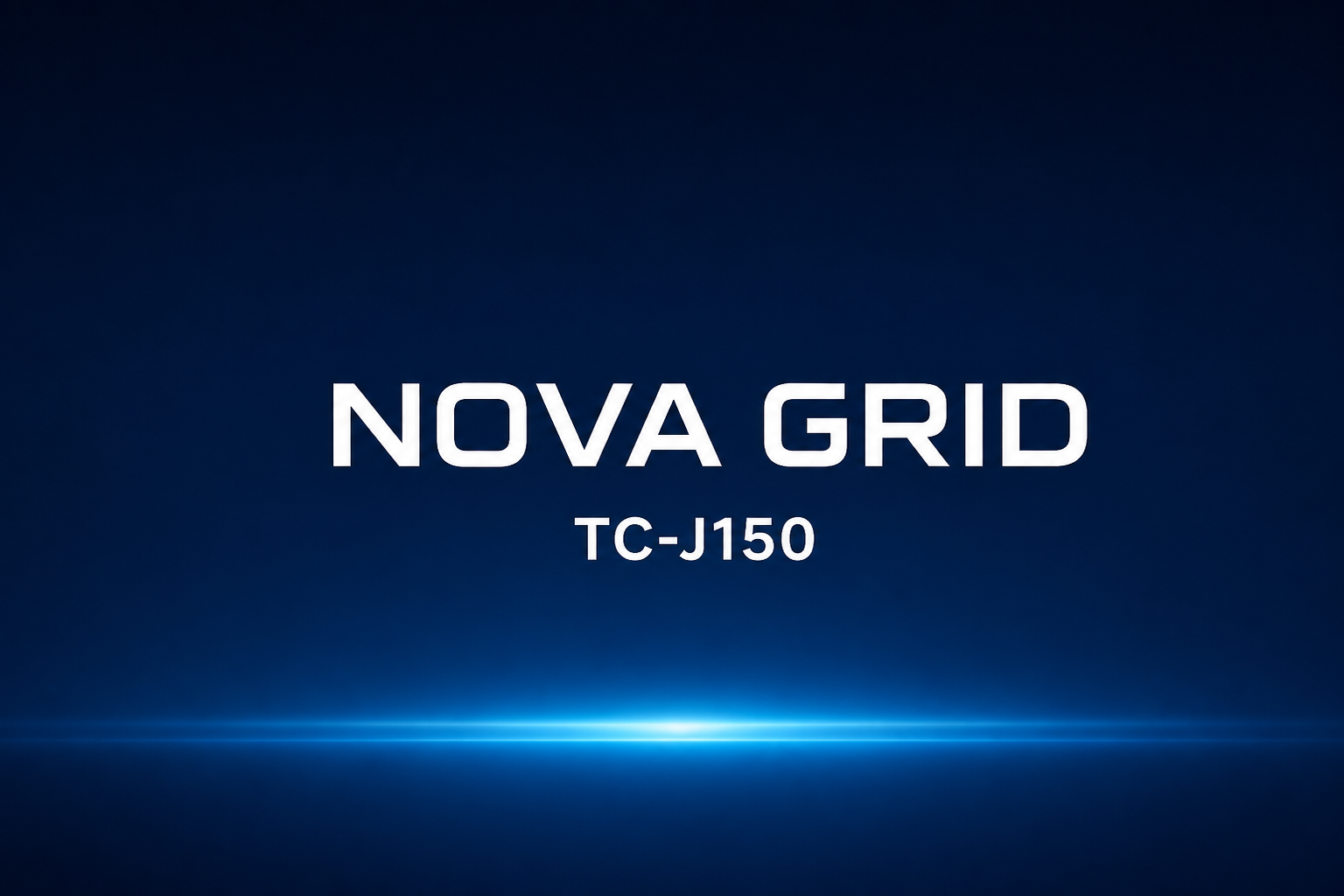
    HMI boot splash — NOVA GRID (demo)
  • Overview (Overview)

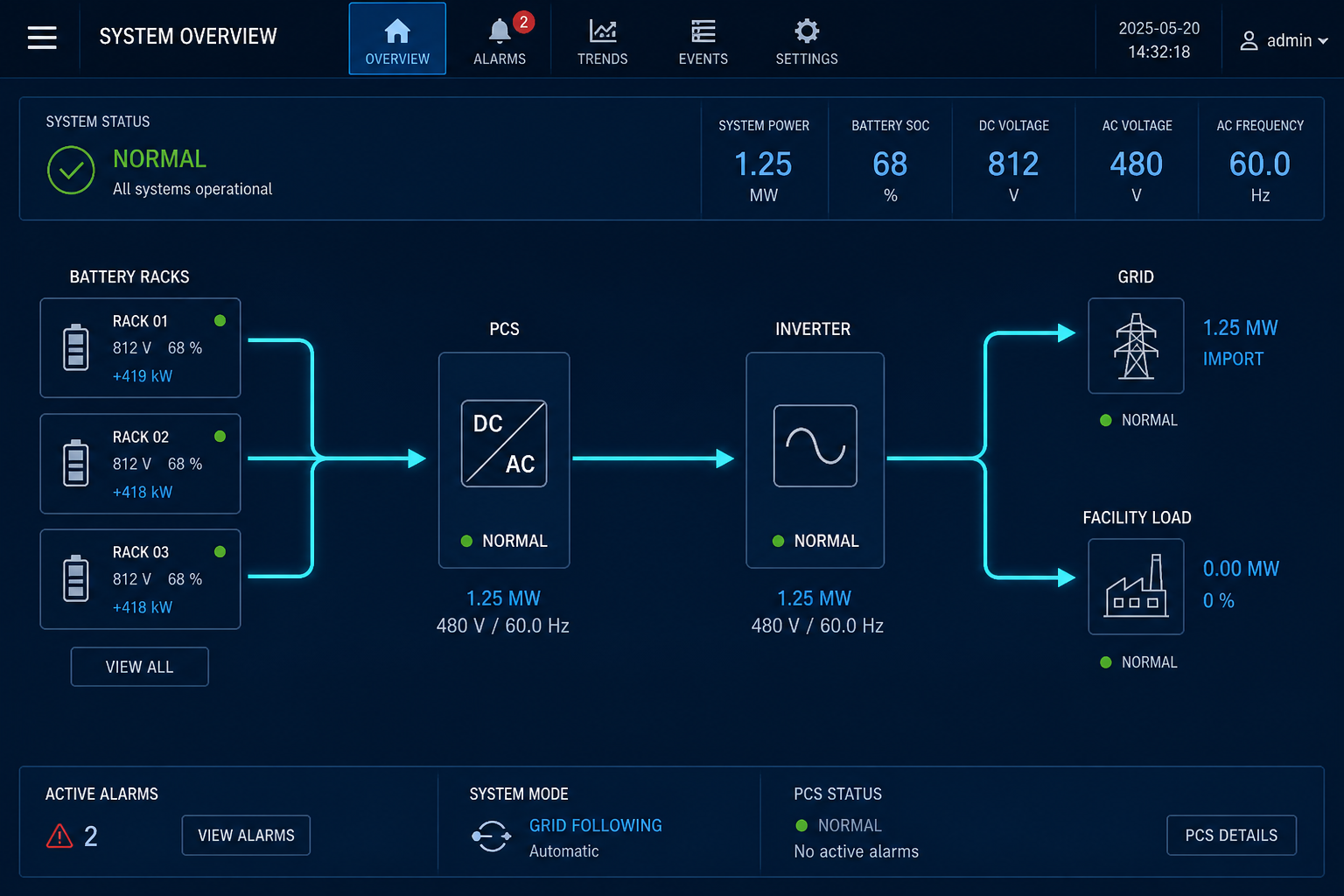
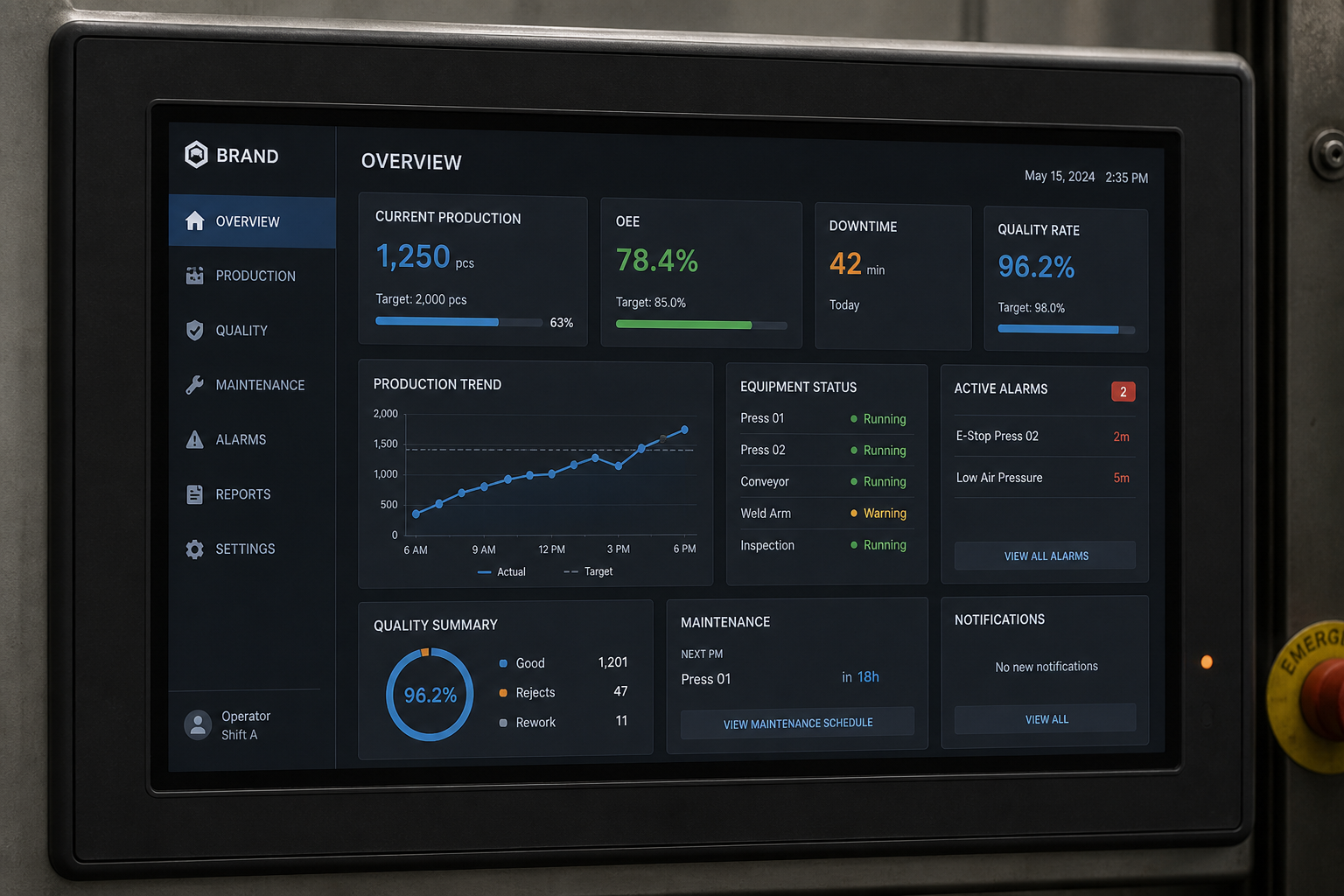
    HMI system overview dashboard (demo)
  • Status (Status)

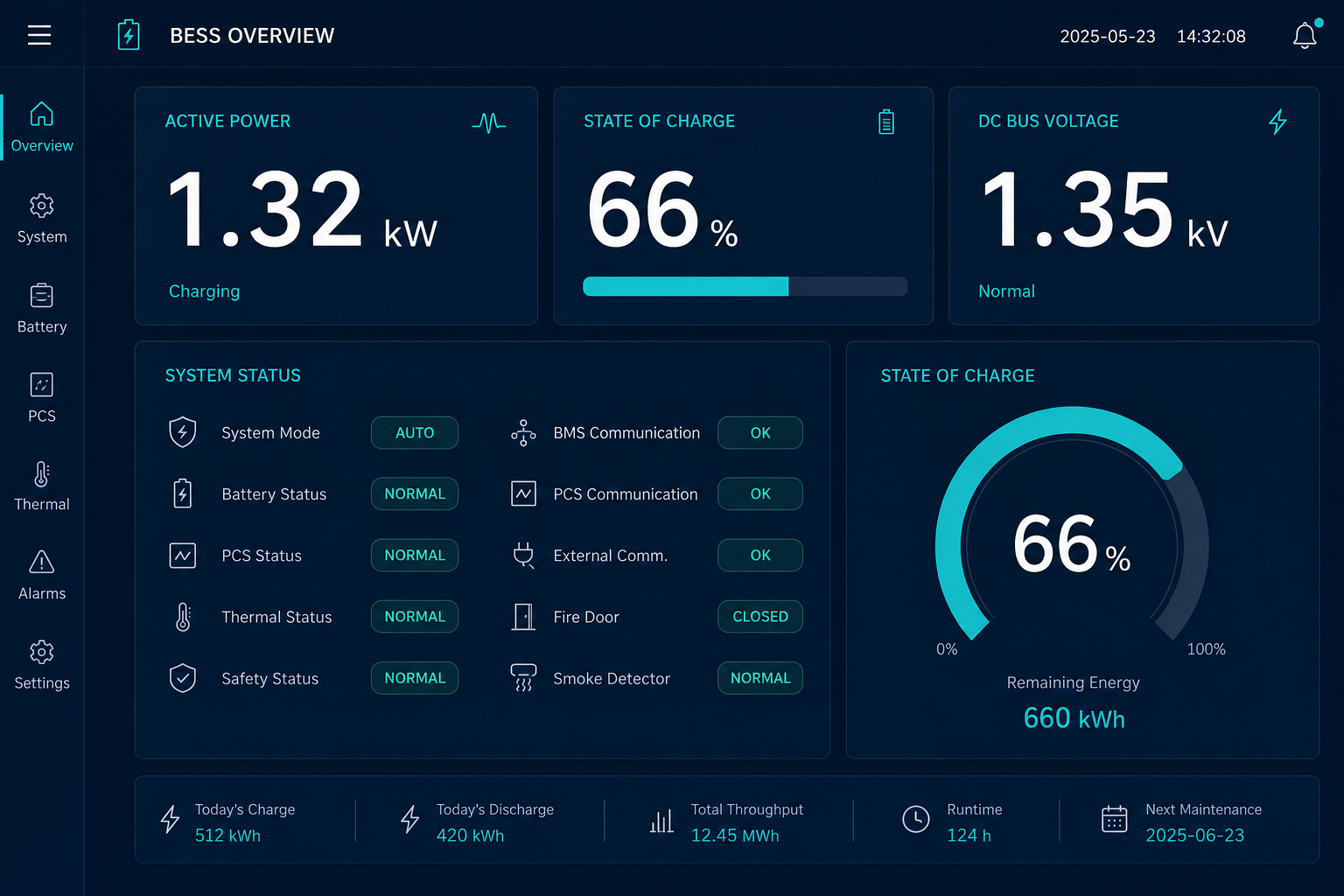
    HMI operating status schematic (demo)
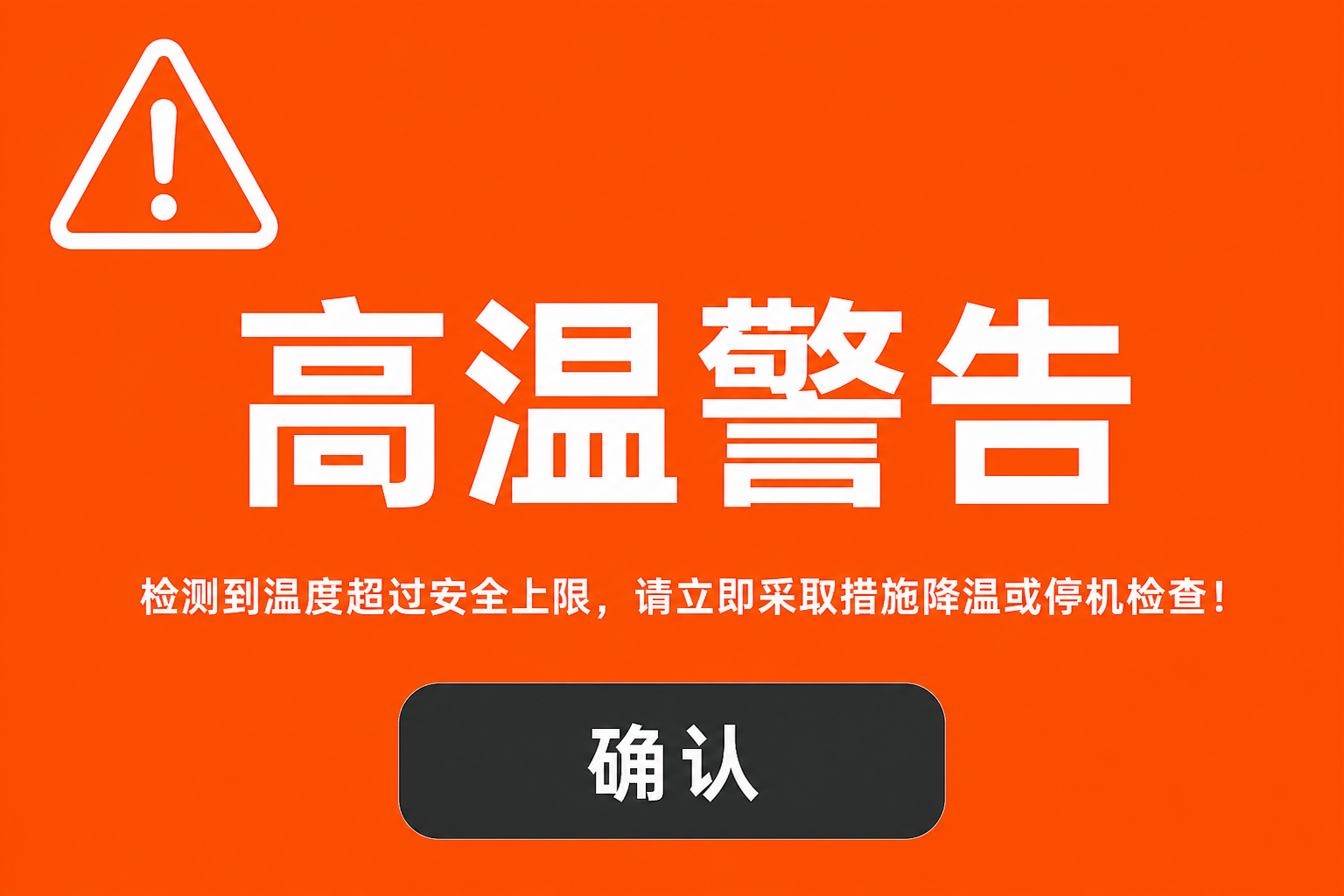
  • Warning (Warning)

    HMI high-temperature warning screen (demo)
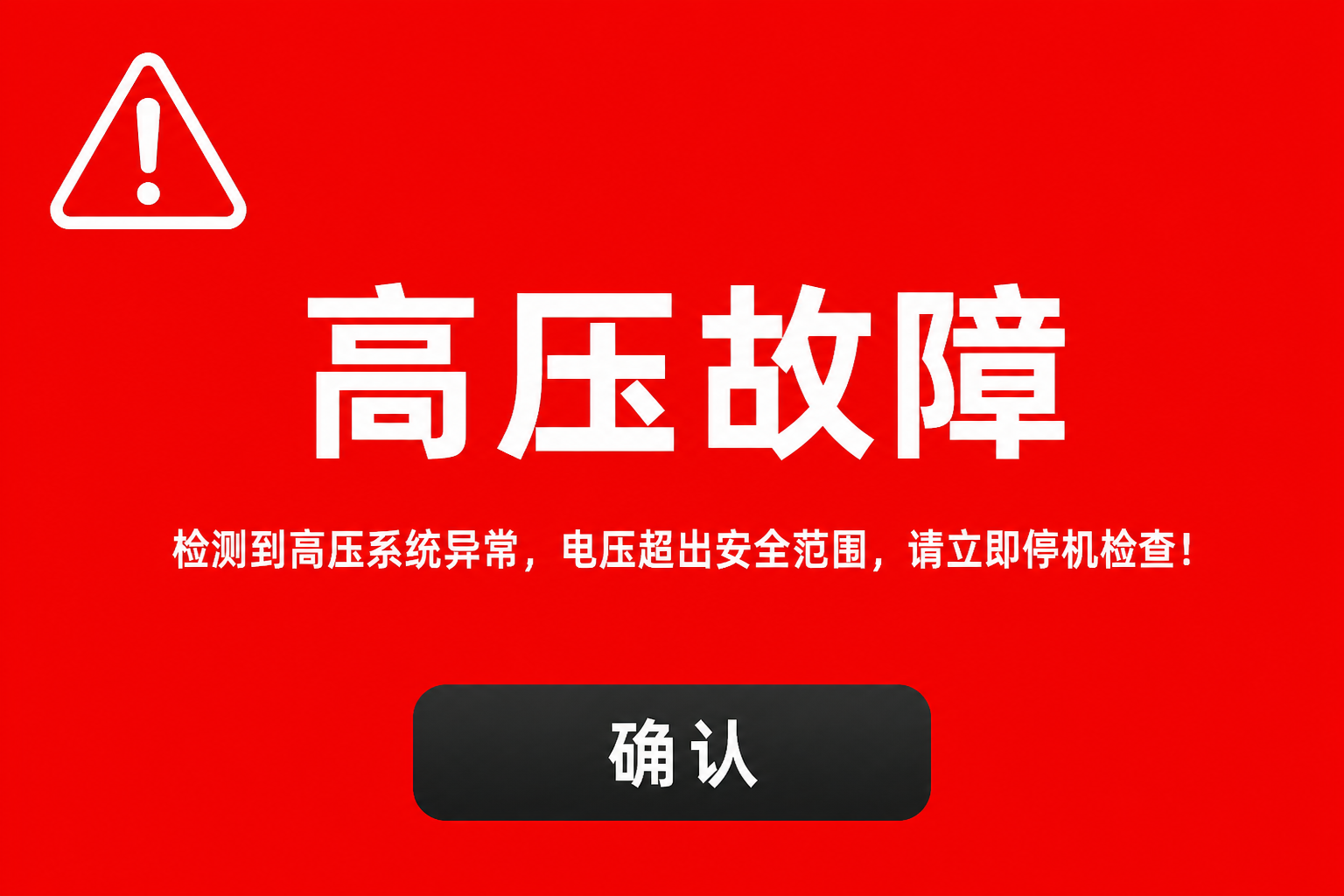
  • Alarm (Alarm)

    HMI high-voltage fault alarm screen (demo)
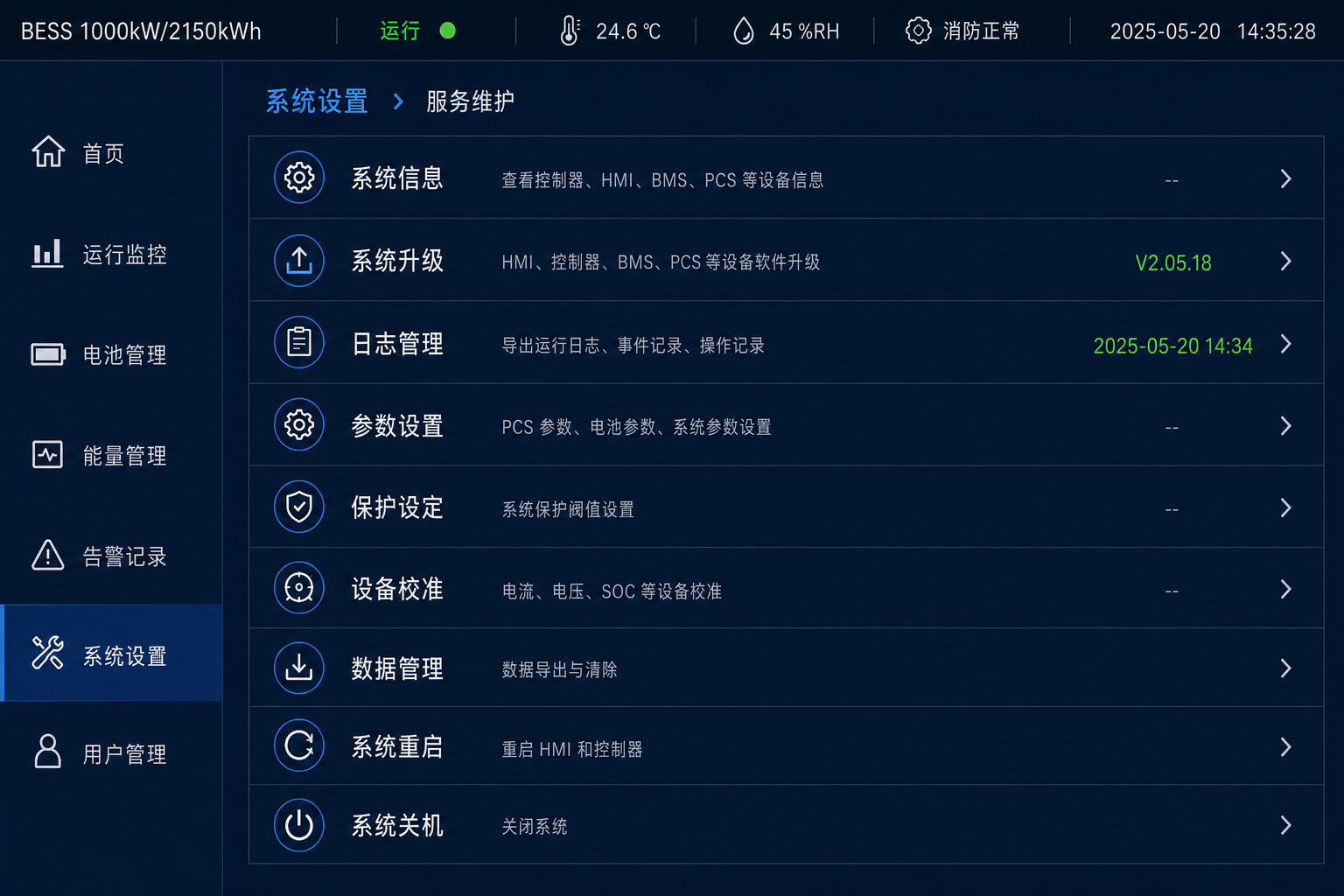
  • Service (Service)

    HMI service mode menu (demo)

Brand colors may apply only outside safety zones; warning (orange) / alarm (red) semantic contrast is fixed and must not follow brand themes.

Localization

Multilingual terminology & localization

Trilingual glossary · localization points · HV warning samples Demo data

Terminology & string base database

Term keyChineseEnglishEspañol
Battery CabinetBattery cupboardBattery CabinetGabinete de Baterías
Rated EnergyRated EnergyRated EnergyEnergía Nominal
High VoltageHigh pressure riskHigh VoltageAlto Voltaje
Emergency StopEmergency halt.Emergency StopParo de Emergencia
MaintenanceMaintenanceMaintenanceMantenimiento

Materials & Process

Materials & process application comparison

Six common processes · apply / weather / life / replaceability (demo ratings) Demo data
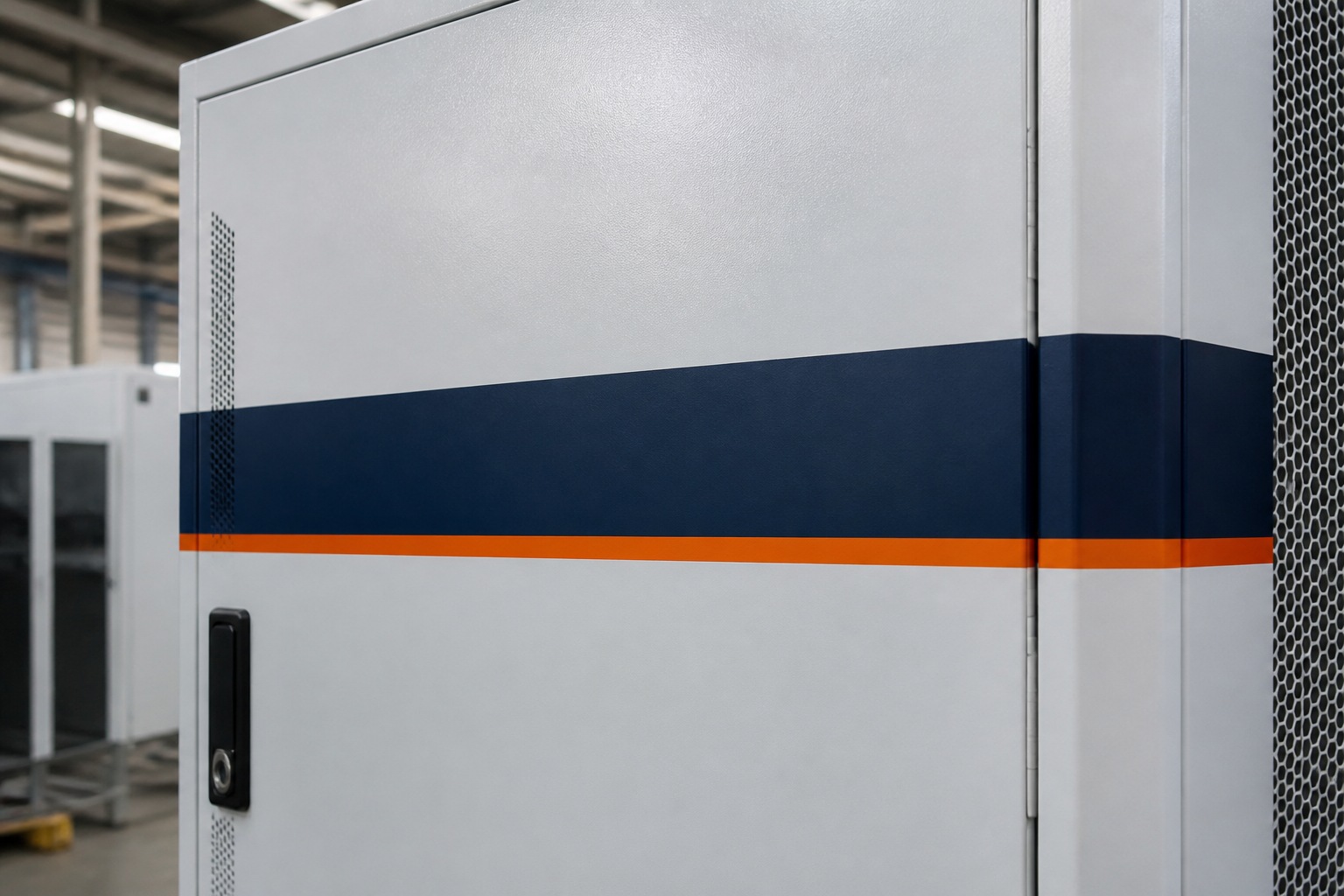
Powder-coat face mark on cabinet door (demo)

Powder face mark

Applies to Door accent / large ID

  • Weather ★★★★☆
  • Life ★★★★☆
  • Replace ★★☆☆☆

Integral with paint — color change needs rework
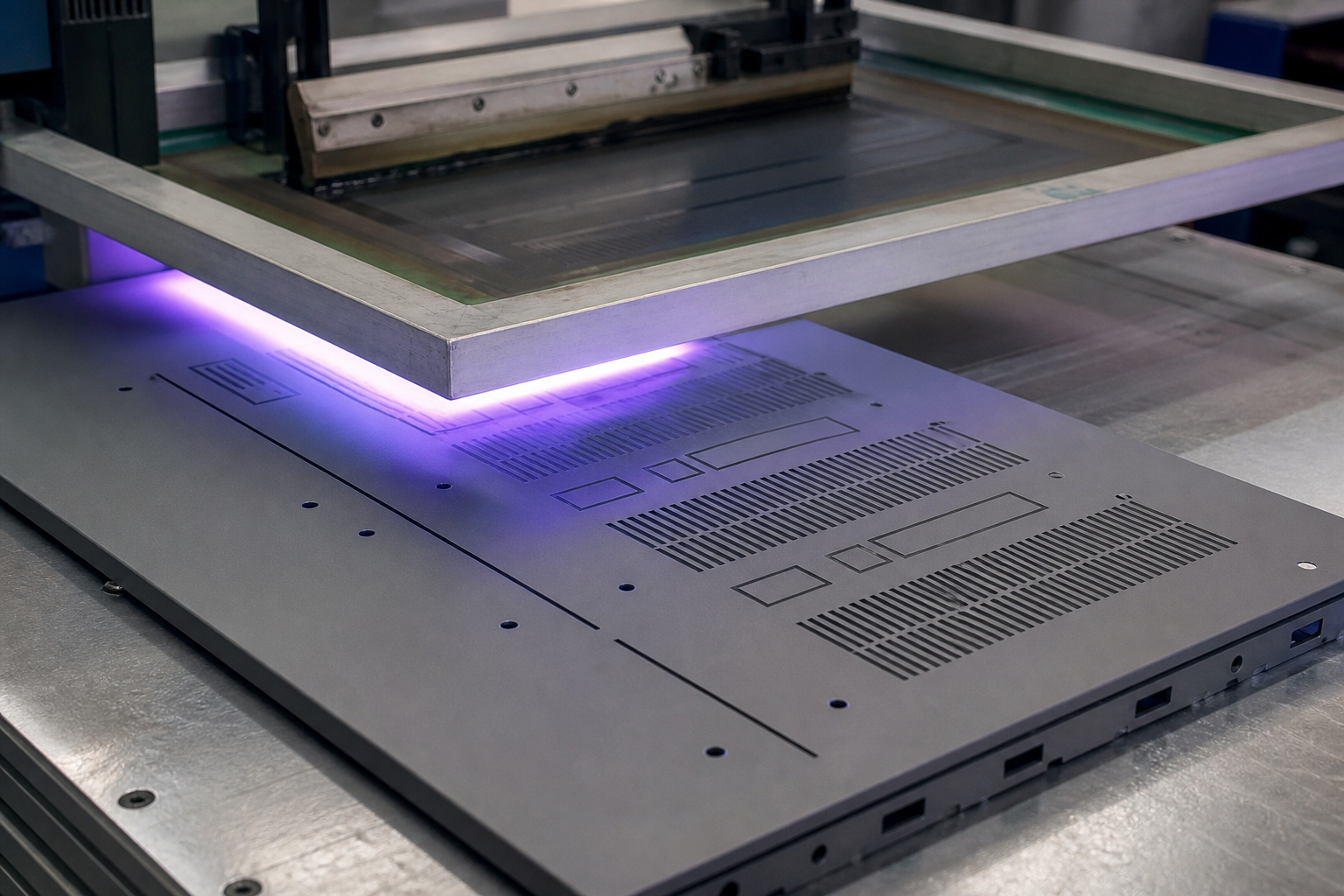
UV silkscreen on flat panel (demo)

Silkscreen UV

Applies to Flat cues / light-duty marks

  • Weather ★★★☆☆
  • Life ★★★☆☆
  • Replace ★★★☆☆

Low cost; outdoor needs UV ink

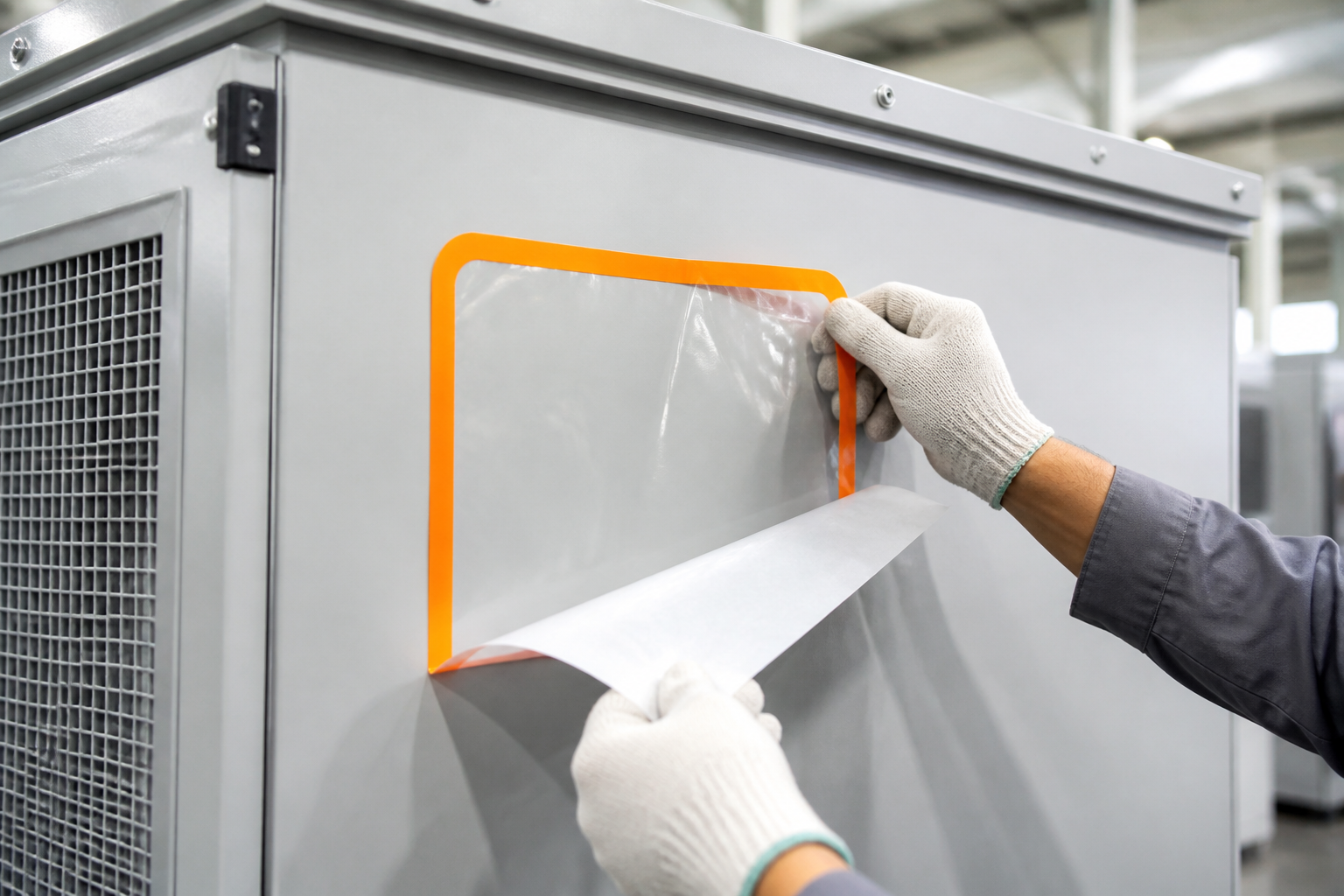
Weather film sticker application (demo)

Weather film

Applies to Temp / ship / zone stickers

  • Weather ★★★☆☆
  • Life ★★☆☆☆
  • Replace ★★★★★

Fast swap; avoid for long service

Aluminum laser nameplate (demo)

Aluminum laser plate

Applies to Nameplate / primary trace

  • Weather ★★★★★
  • Life ★★★★★
  • Replace ★★★☆☆

Durability first — preferred for ratings
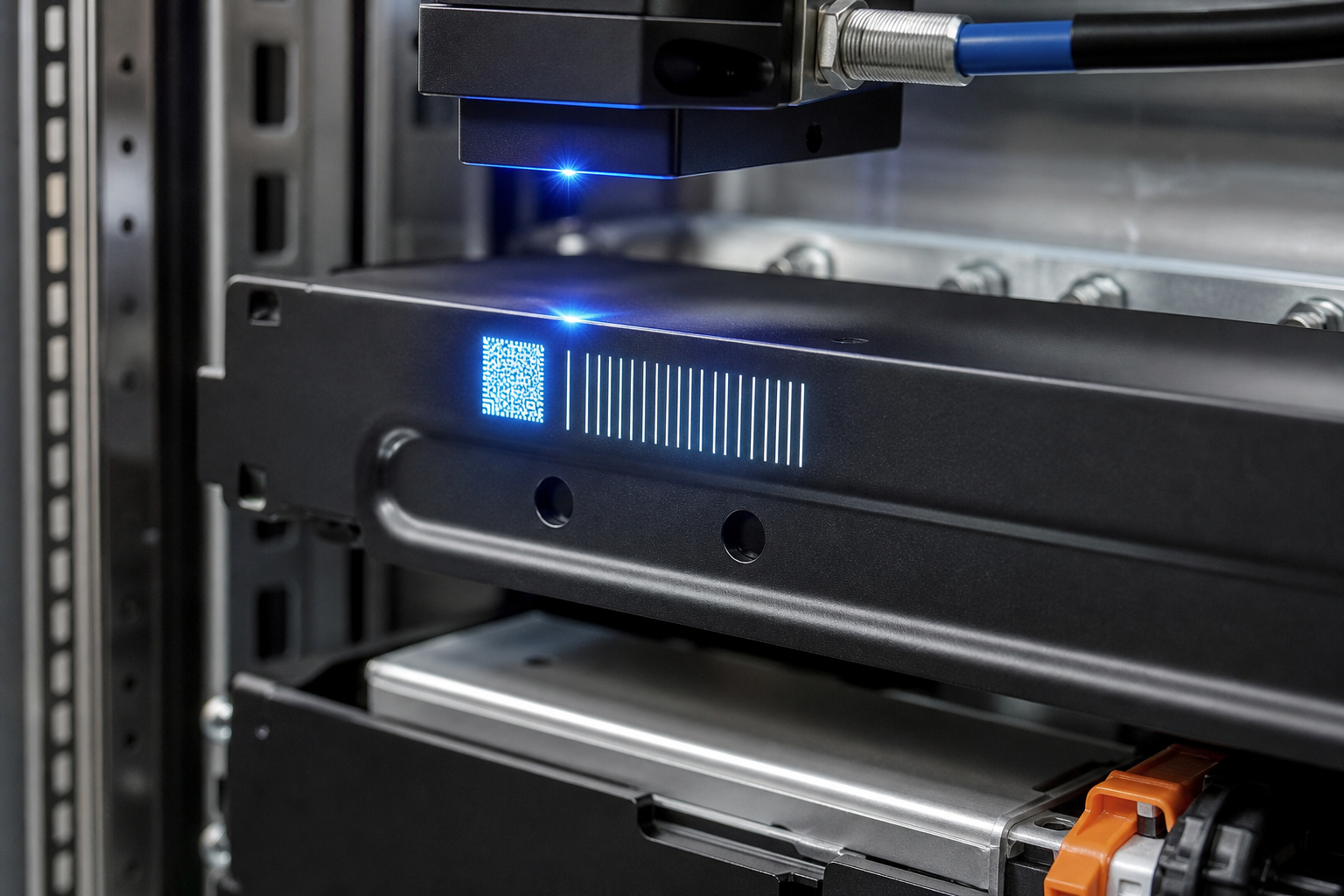
Laser mark on structural part (demo)

Part laser mark

Applies to Structure / internal coding

  • Weather ★★★★☆
  • Life ★★★★★
  • Replace ★☆☆☆☆

Permanent — almost non-replaceable

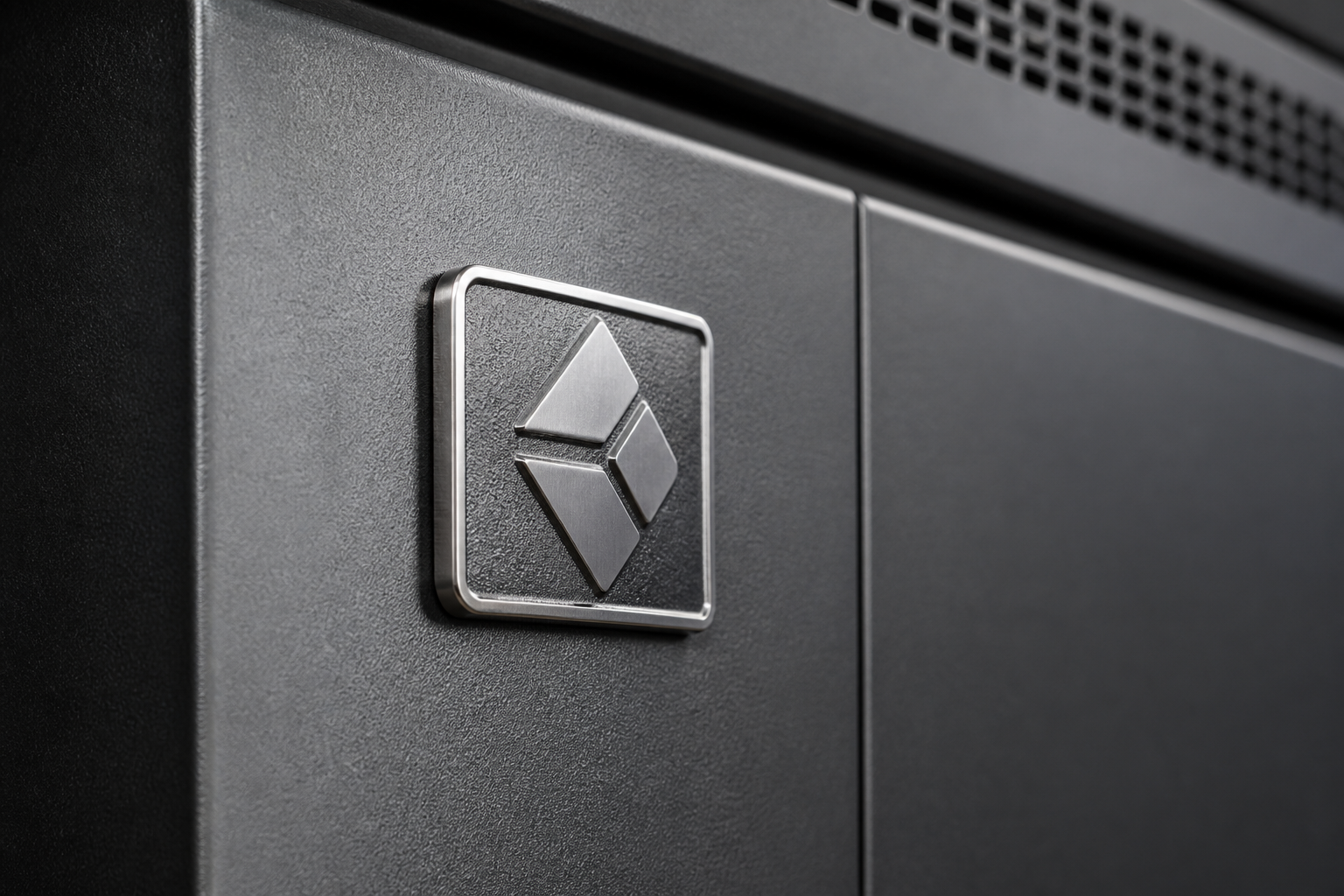
Die-cast fascia brand plate (demo)

Die-cast plate

Applies to High-touch fascia marks

  • Weather ★★★★★
  • Life ★★★★★
  • Replace ★★☆☆☆

Premium feel; tooling & lead time longer

Visual Review

Delivery standard & visual review flow

Eight-step review chain · bottom tolerance bar (demo values) Demo data

  1. 01

    Render

    3D/2D renders lock touchpoints & keep-outs
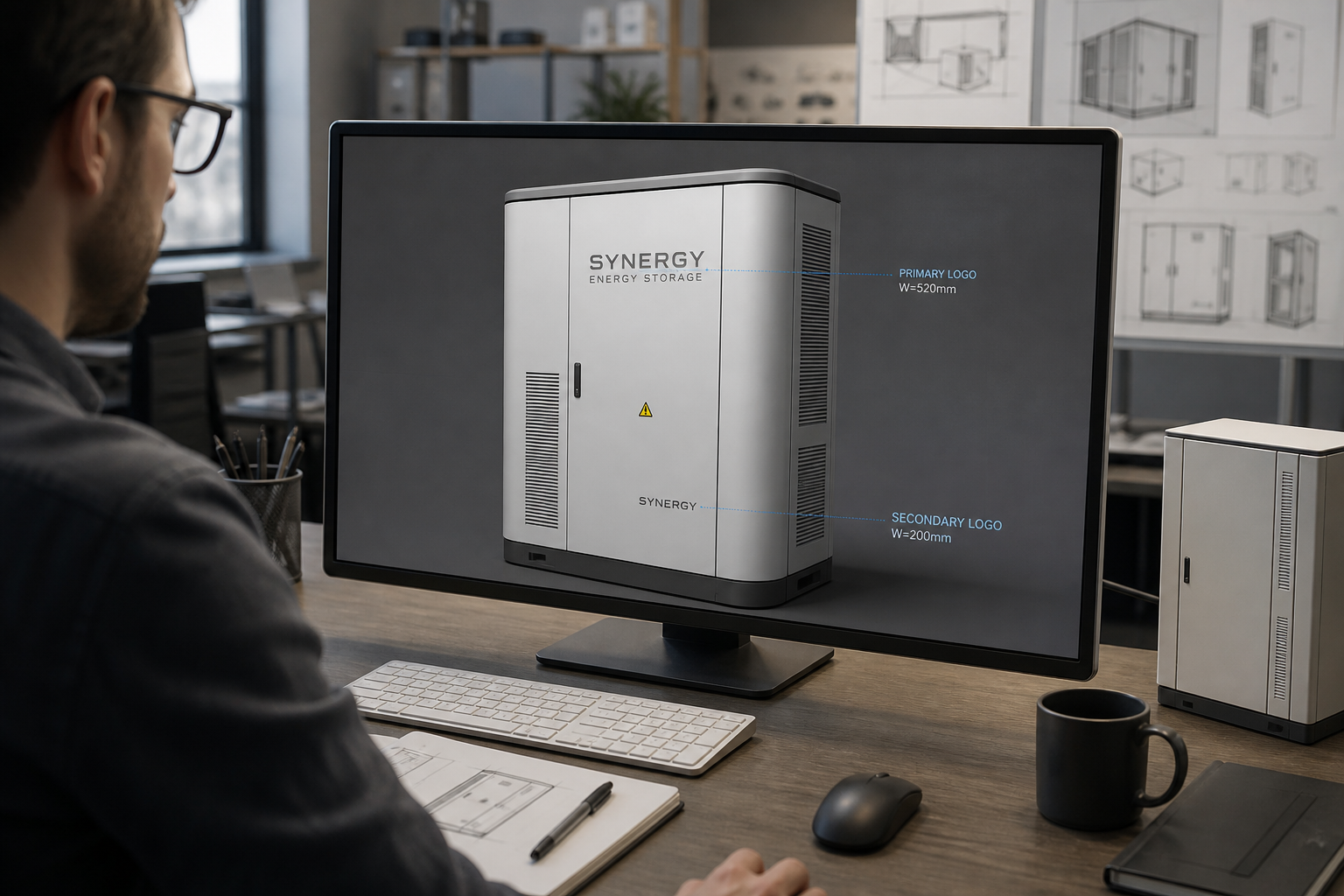
    Cabinet brand render review (demo)
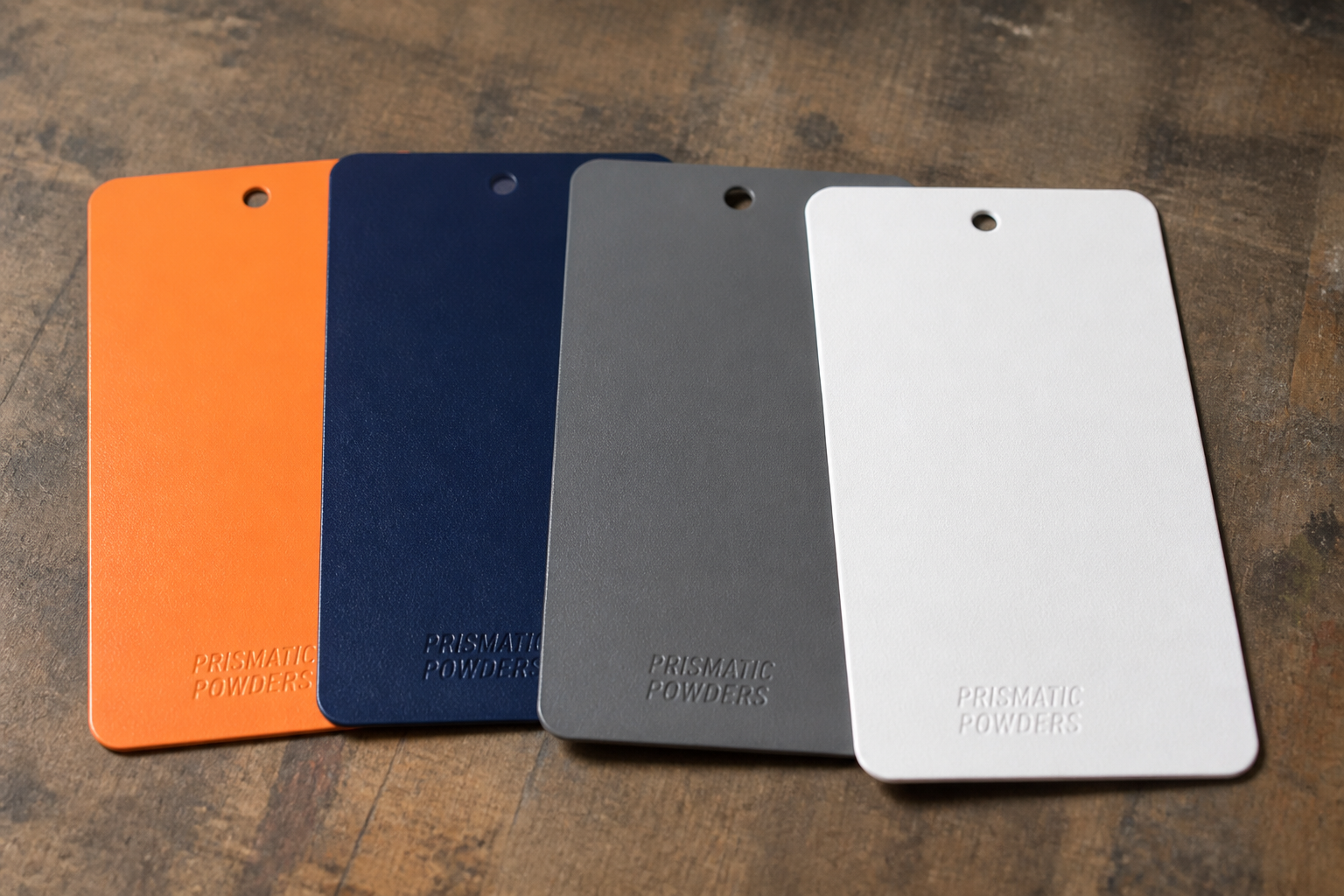
  2. 02

    Color chip

    Powder / film chips vs brand colors

    Color chip samples (demo)
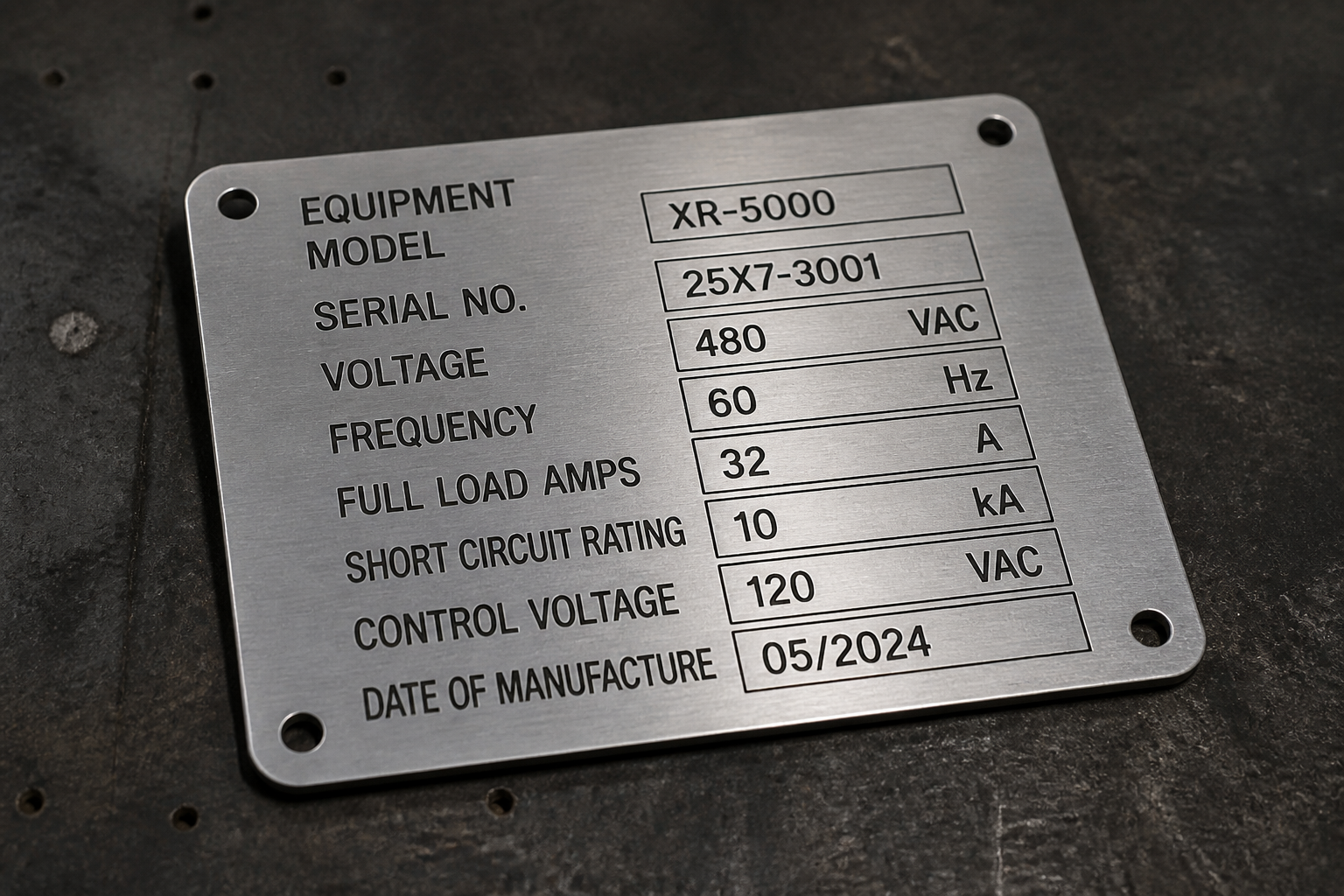
  3. 03

    Nameplate sample

    Aluminum / die-cast physical samples

    Nameplate physical sample (demo)
  4. 04

    Prototype cabinet

    Full-cabinet brand application sample
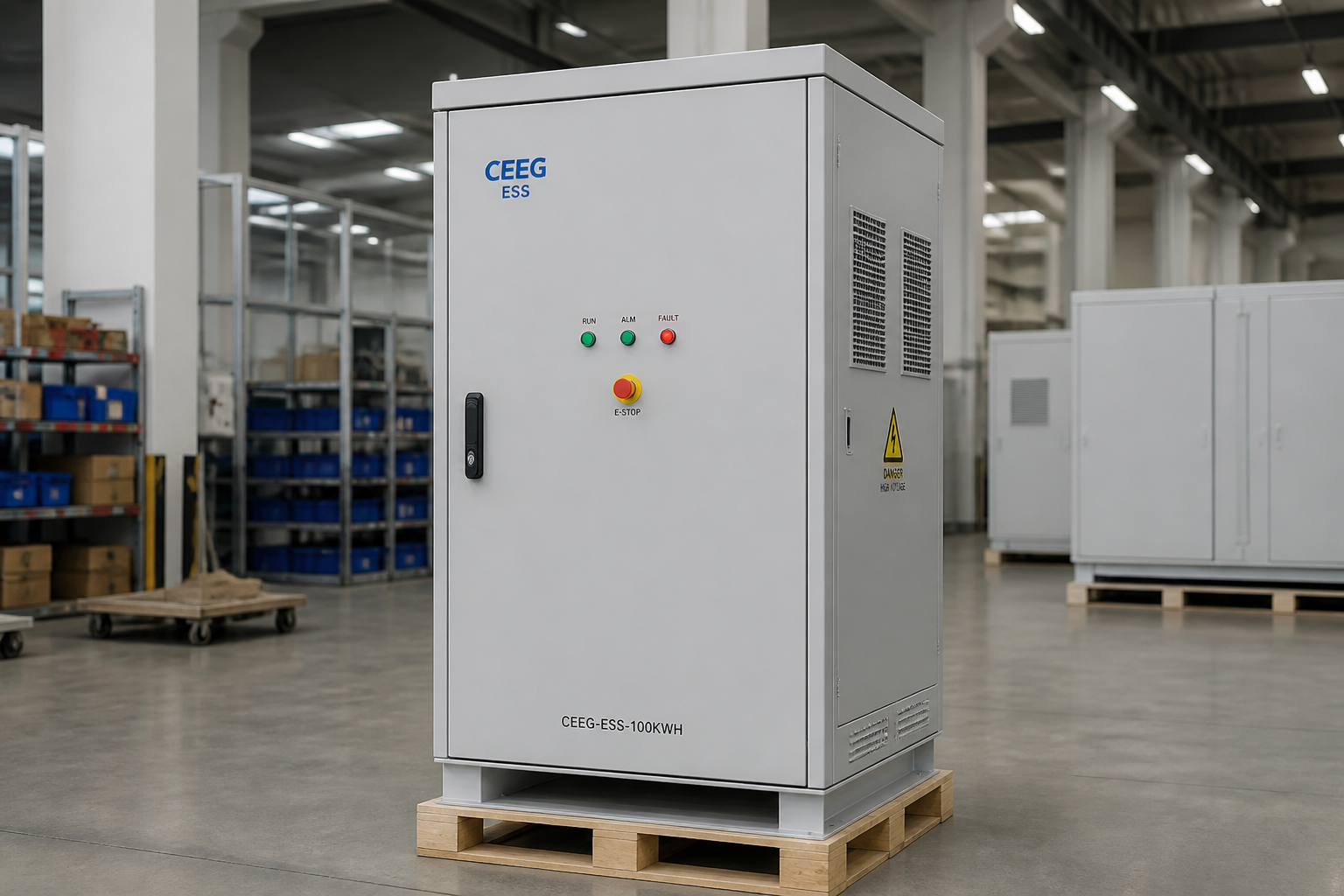
    Prototype branded cabinet (demo)
  5. 05

    ΔE review

    Color difference under agreed lighting
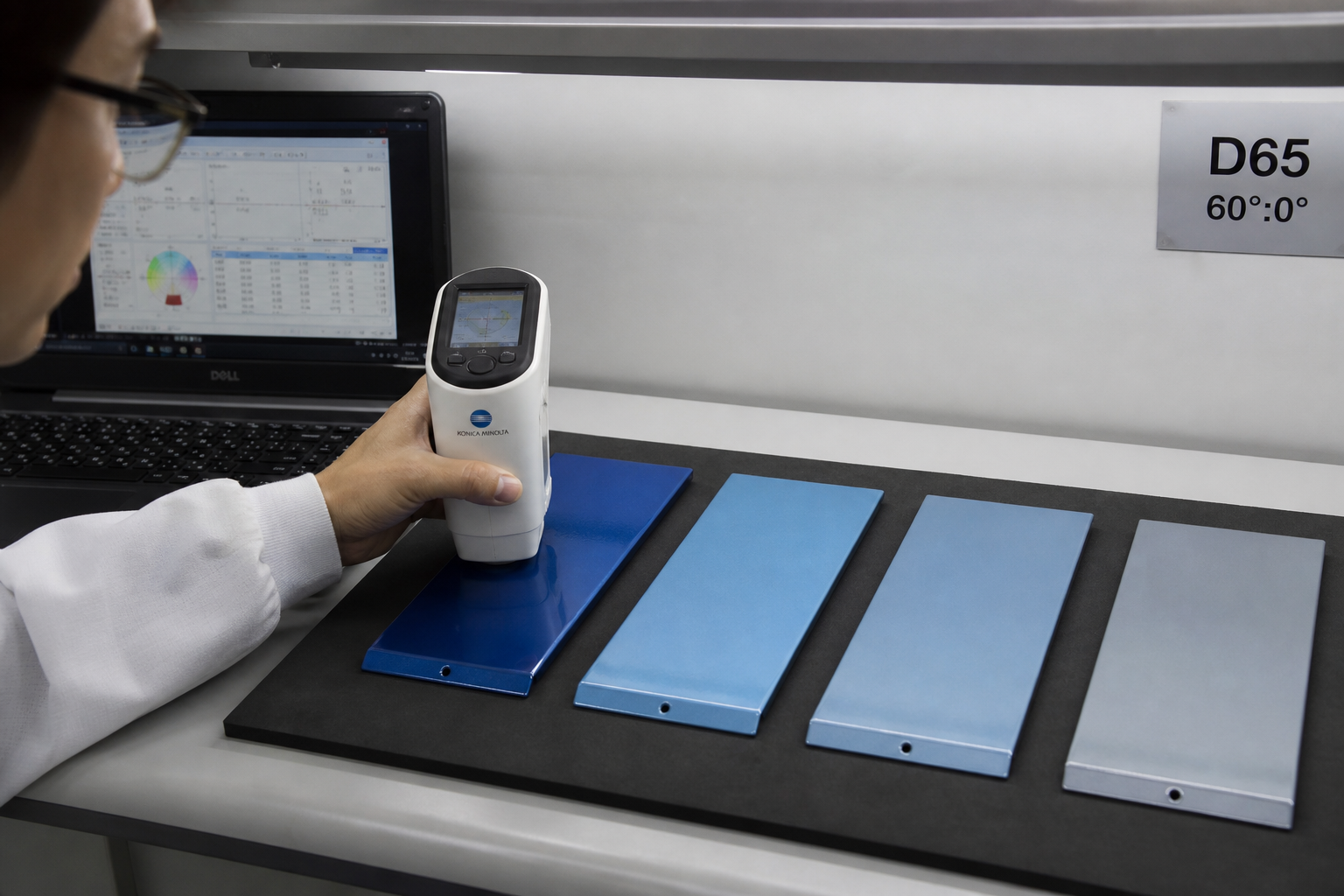
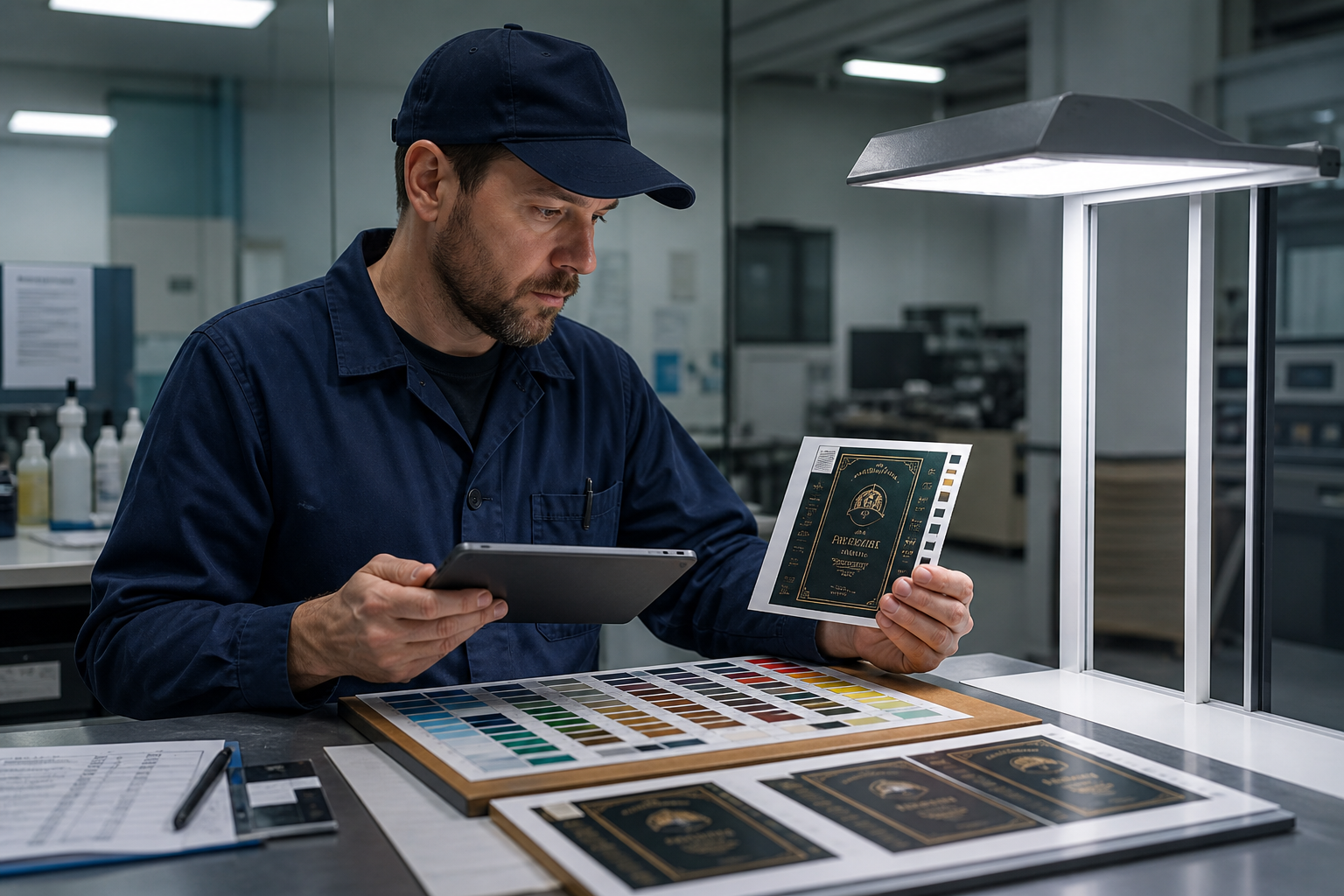
    Color difference ΔE review (demo)
  6. 06

    UI review

    HMI theme vs fixed safety colors

    HMI UI theme review (demo)
  7. 07

    Customer / compliance

    Sign-off before controlled artwork release
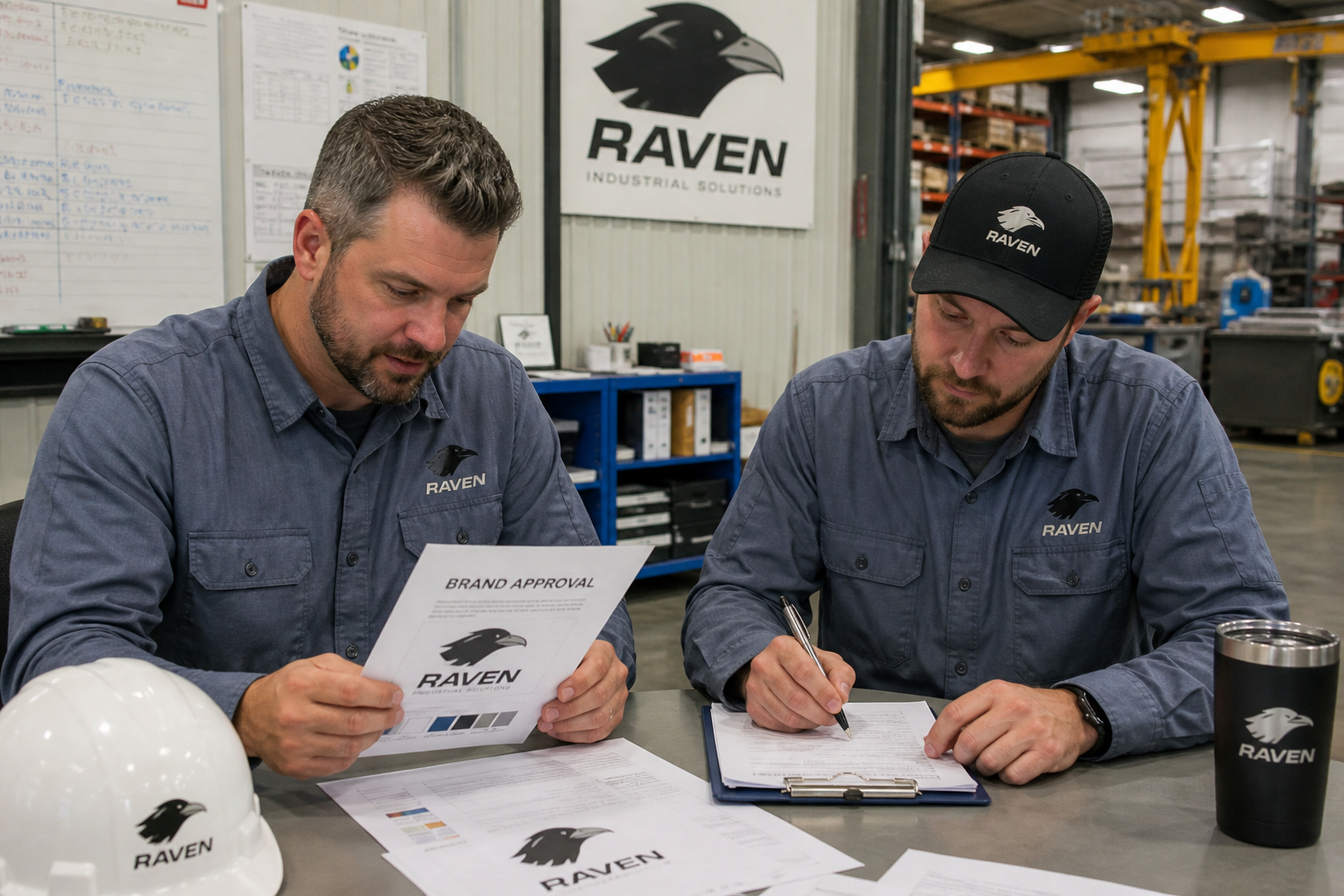
    Customer compliance sign-off (demo)
  8. 08

    Retain samples

    Chips & plates archived for trace

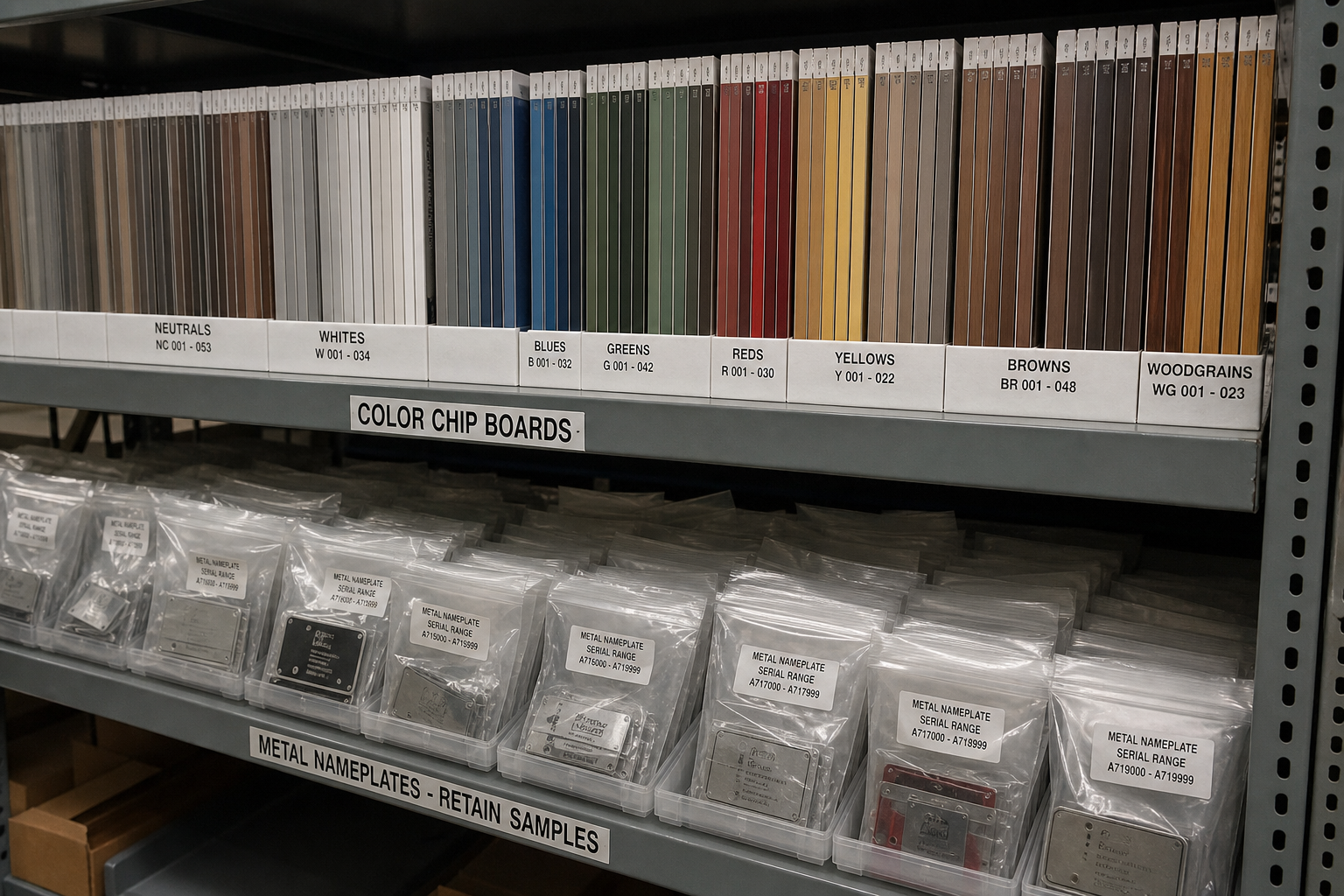
    Retain sample archive (demo)

Brand QA Flow

Brand quality & production process control

Eight-step Brand QA Flow · artwork to NCR close Demo data

  1. 01

    Artwork file

    Controlled vectors & string packs checked in
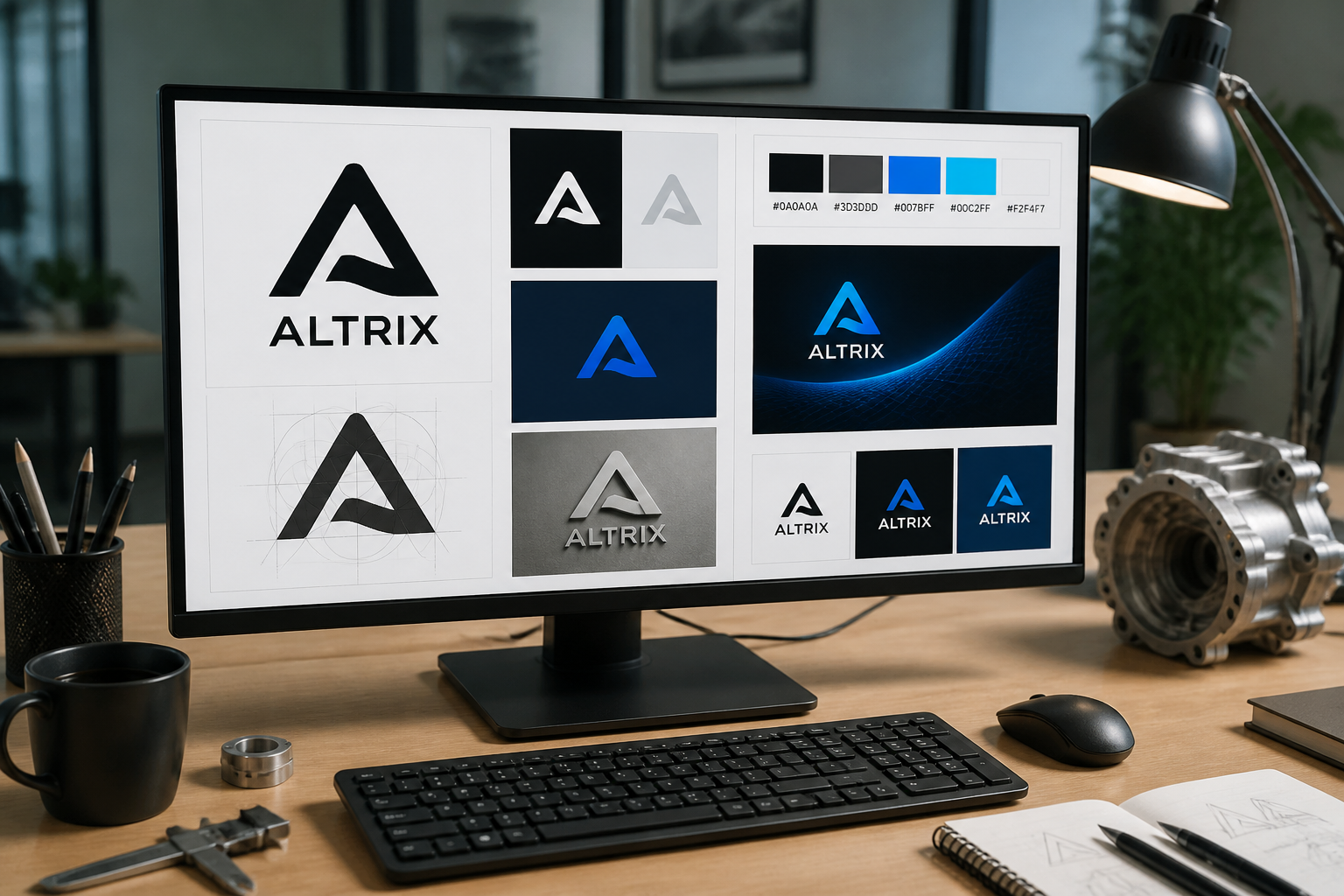
    Artwork file check on workstation (demo)
  2. 02

    Proofing

    Process / color proofs confirmed

    Color proof and swatch comparison (demo)
  3. 03

    Tooling

    Fixtures / screens / laser params locked
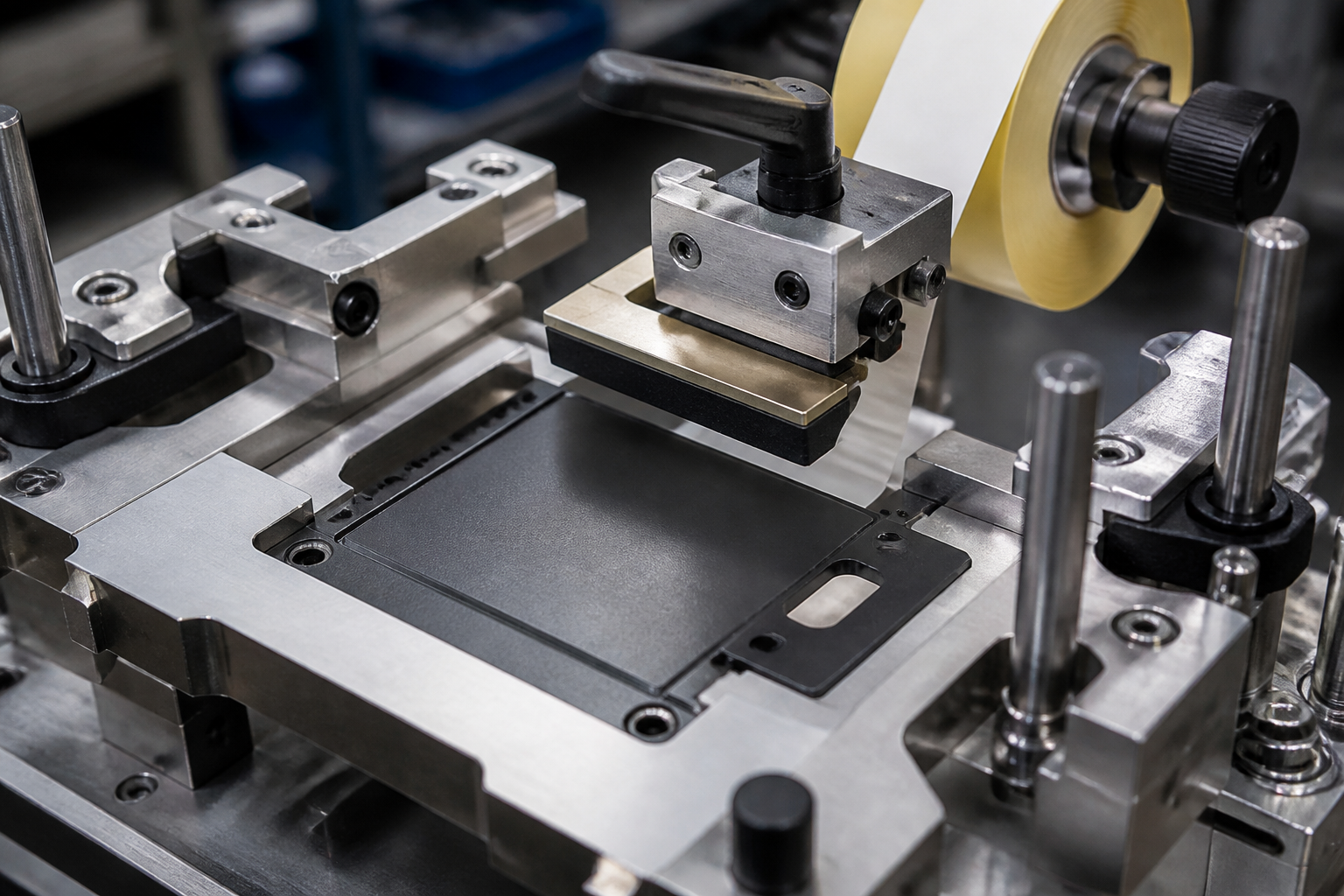
    Logo application fixture tooling (demo)
  4. 04

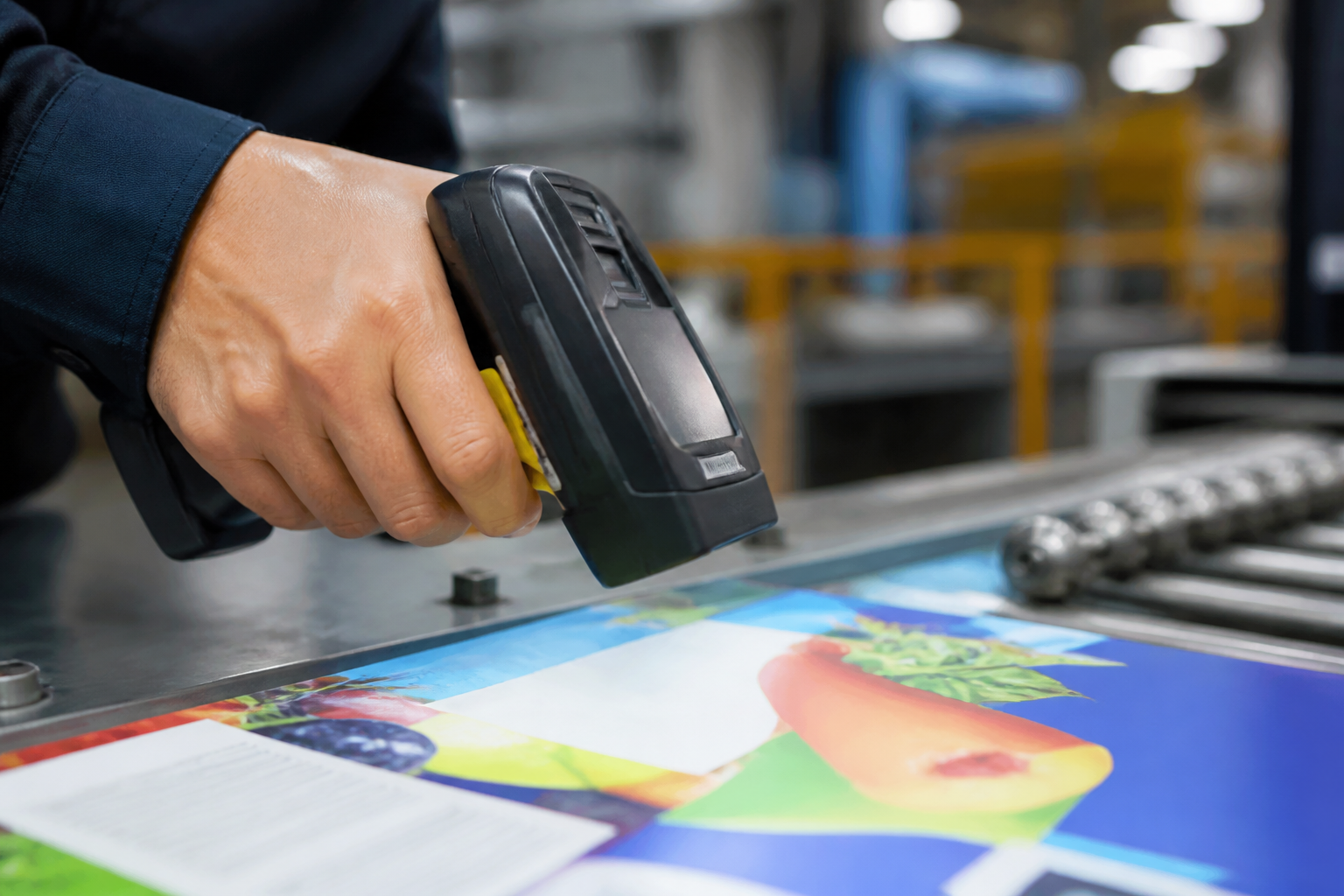
    Position · color

    Pre-line position & color recheck

    Position and color inspection (demo)
  5. 05

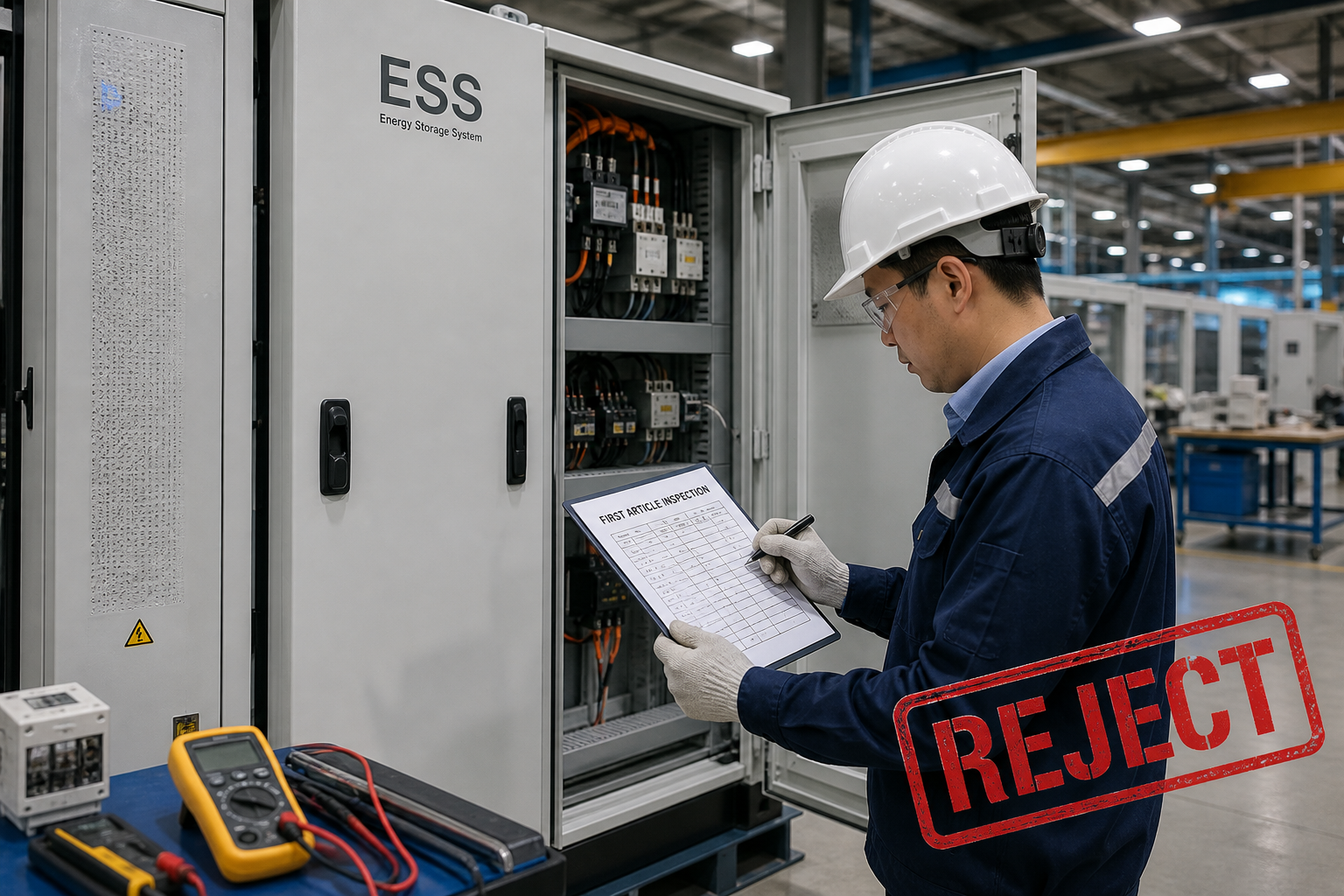
    First article

    FAI vs artwork & tolerance bar

    First-article brand inspection (demo)
  6. 06

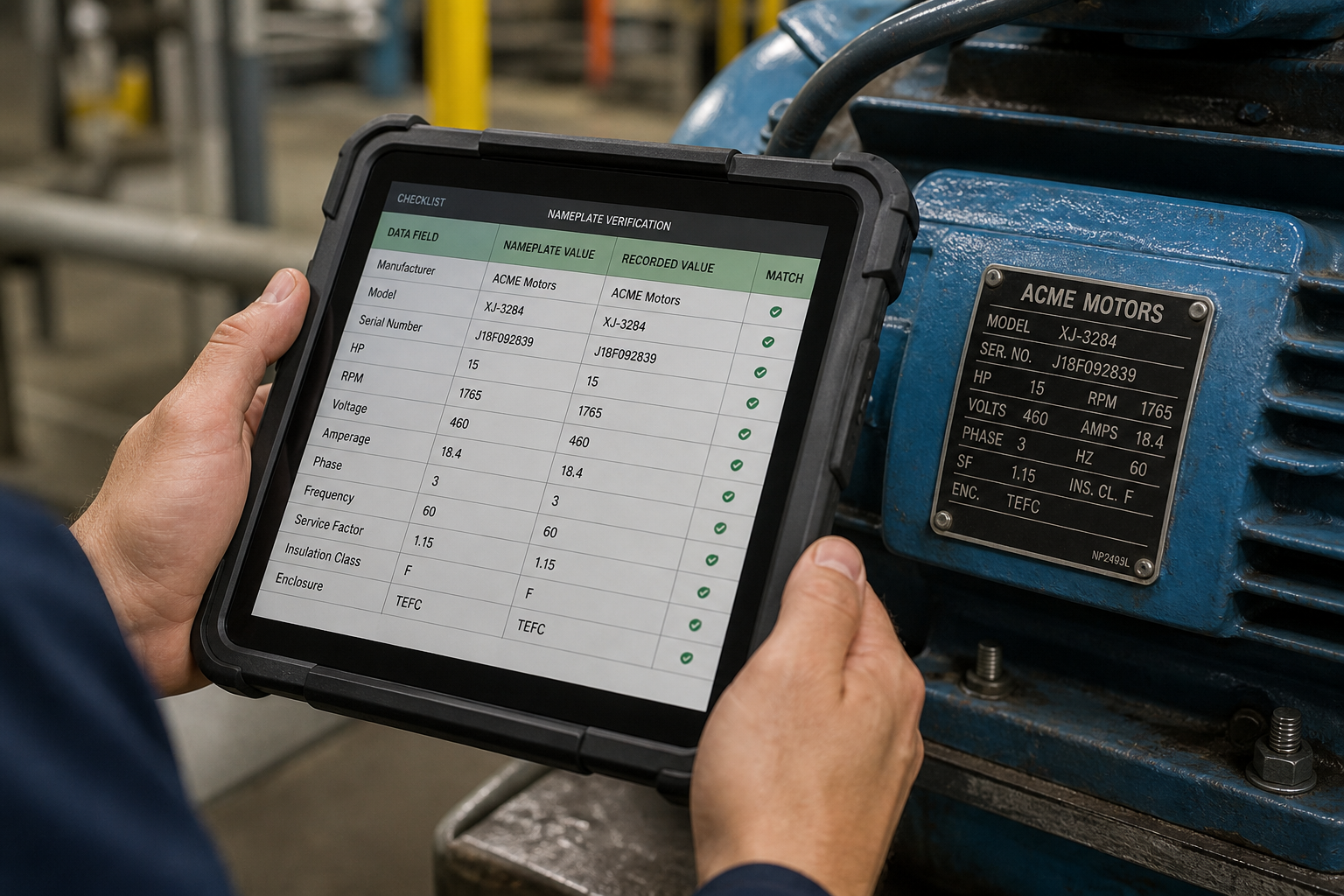
    Spec verify

    Nameplate fields match master data

    Nameplate field verification on tablet (demo)
  7. 07

    Final inspect

    Ship visual & label completeness

    Final visual and label inspection (demo)
  8. 08

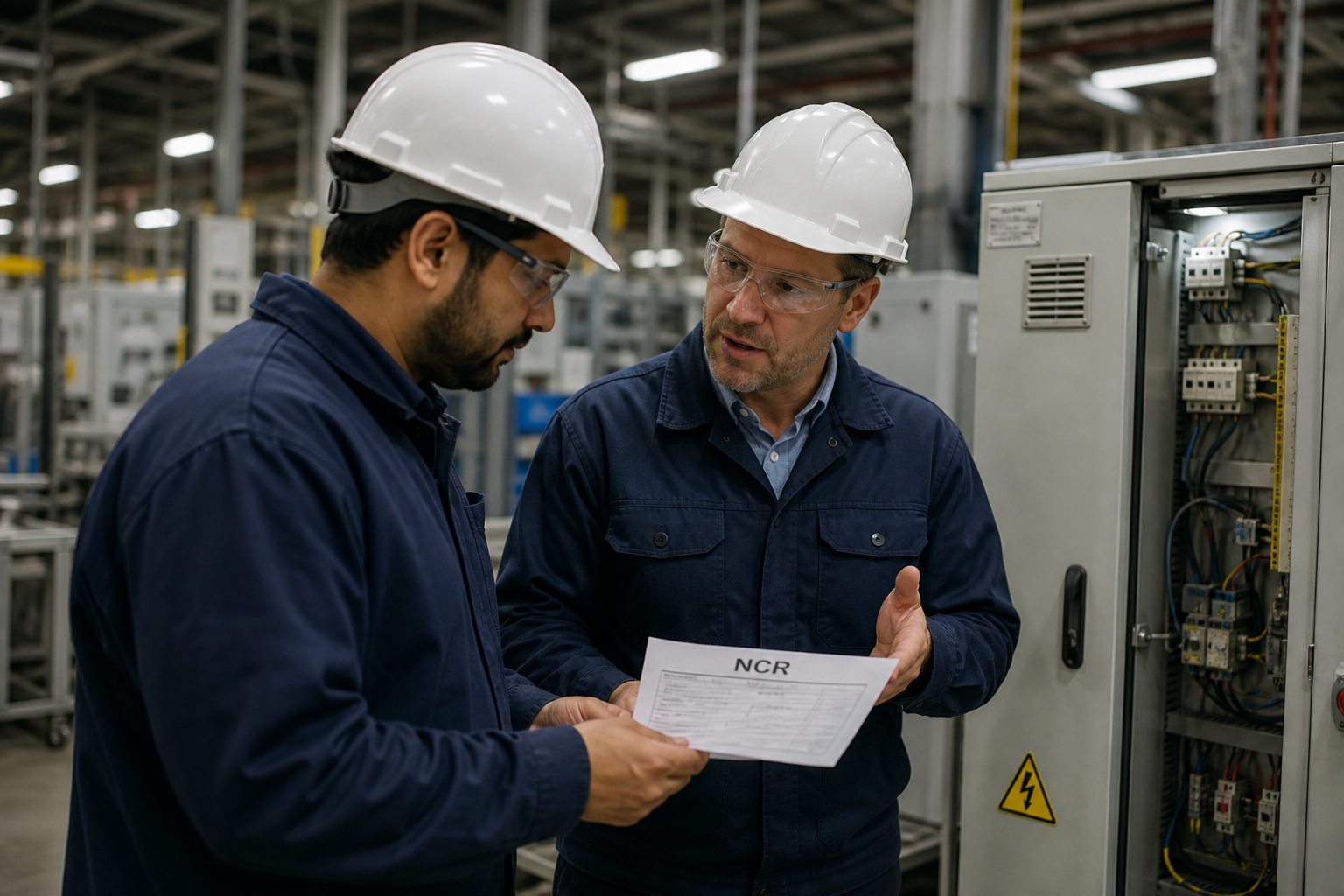
    NCR close

    Open · rework · reinspect · close

    NCR review on production line (demo)